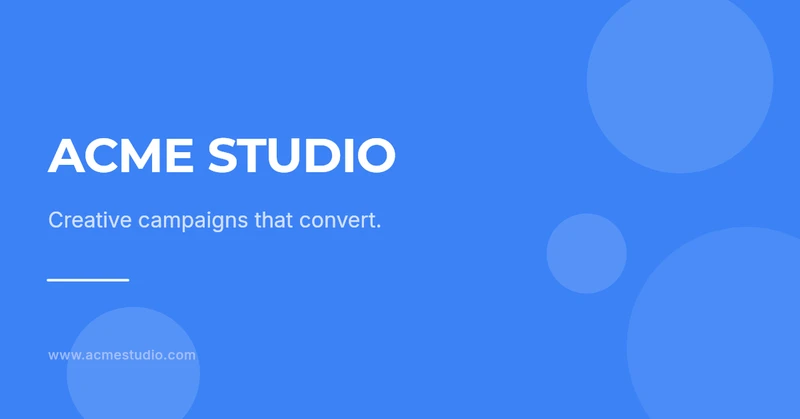
Facebook Cover — Modern
Posts, stories, covers and banners sized correctly for Instagram, LinkedIn, Facebook and X.
23 templates in this category — free to open, edit and generate from.
Facebook Cover — Modern
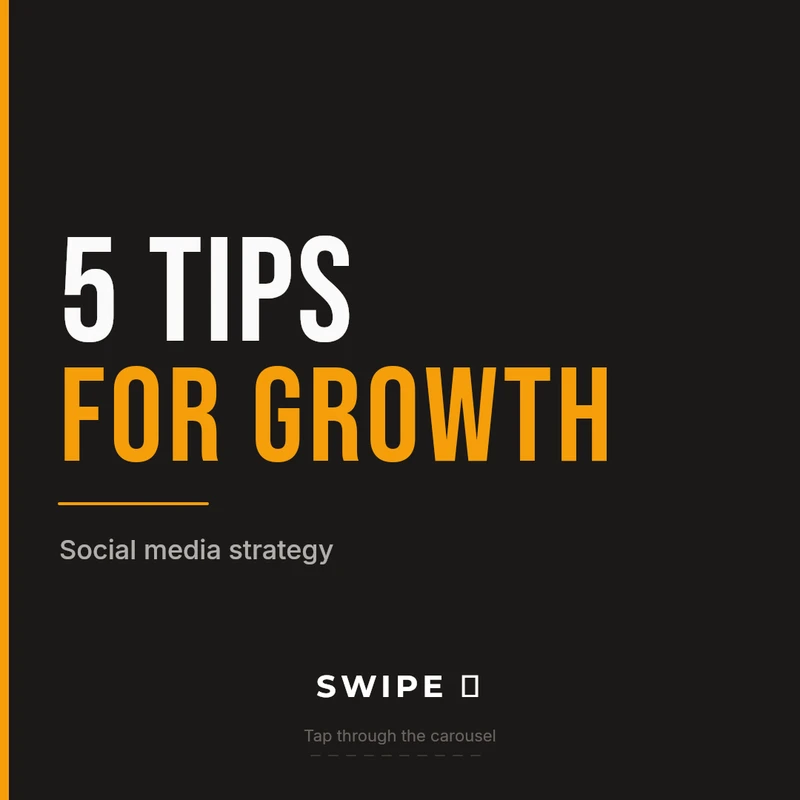
Instagram Carousel — Cover
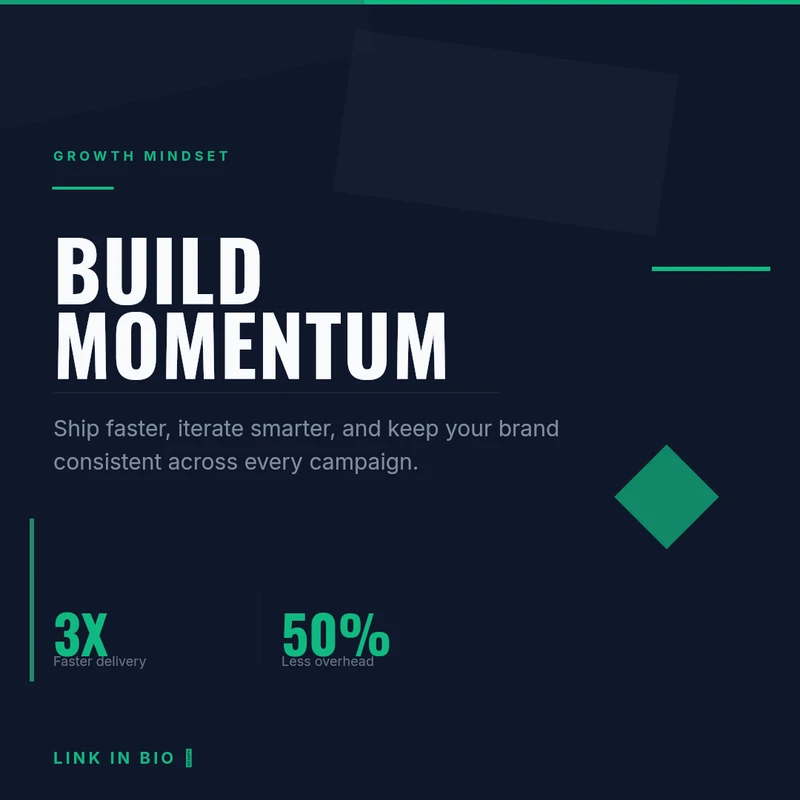
Instagram Post — Dynamic
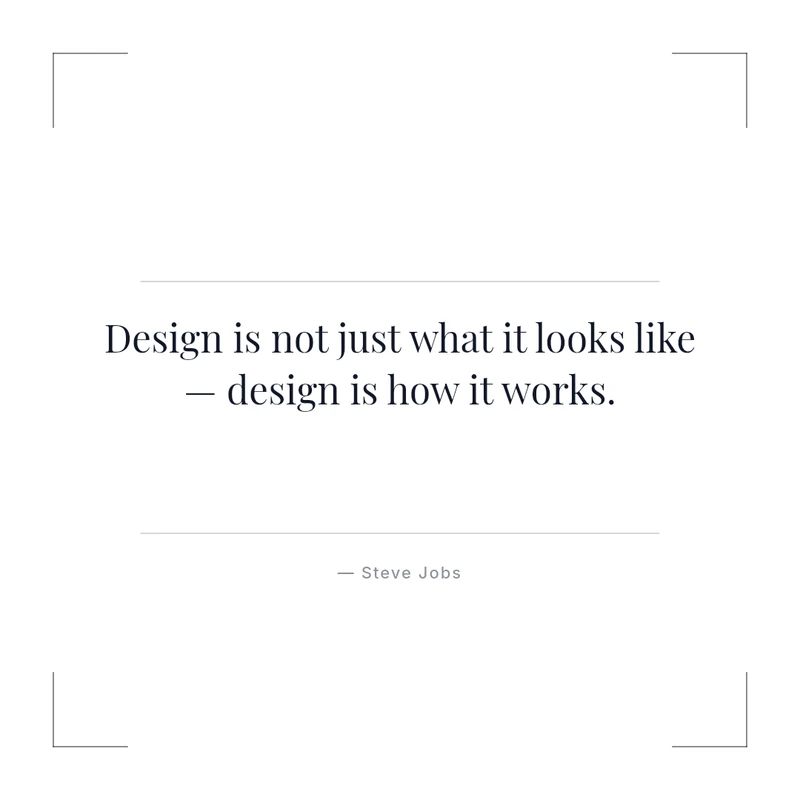
Instagram Quote — Minimal
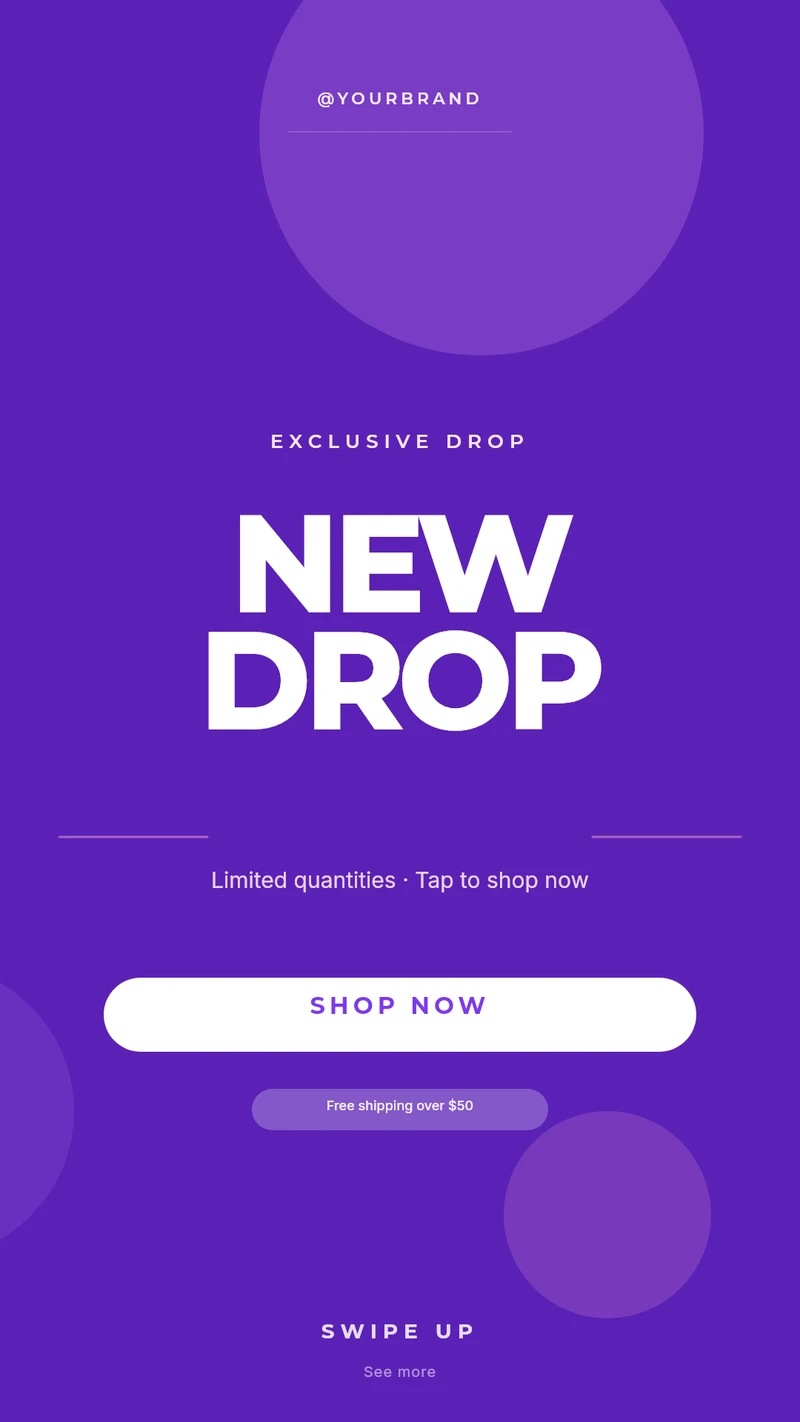
Instagram Story — Gradient
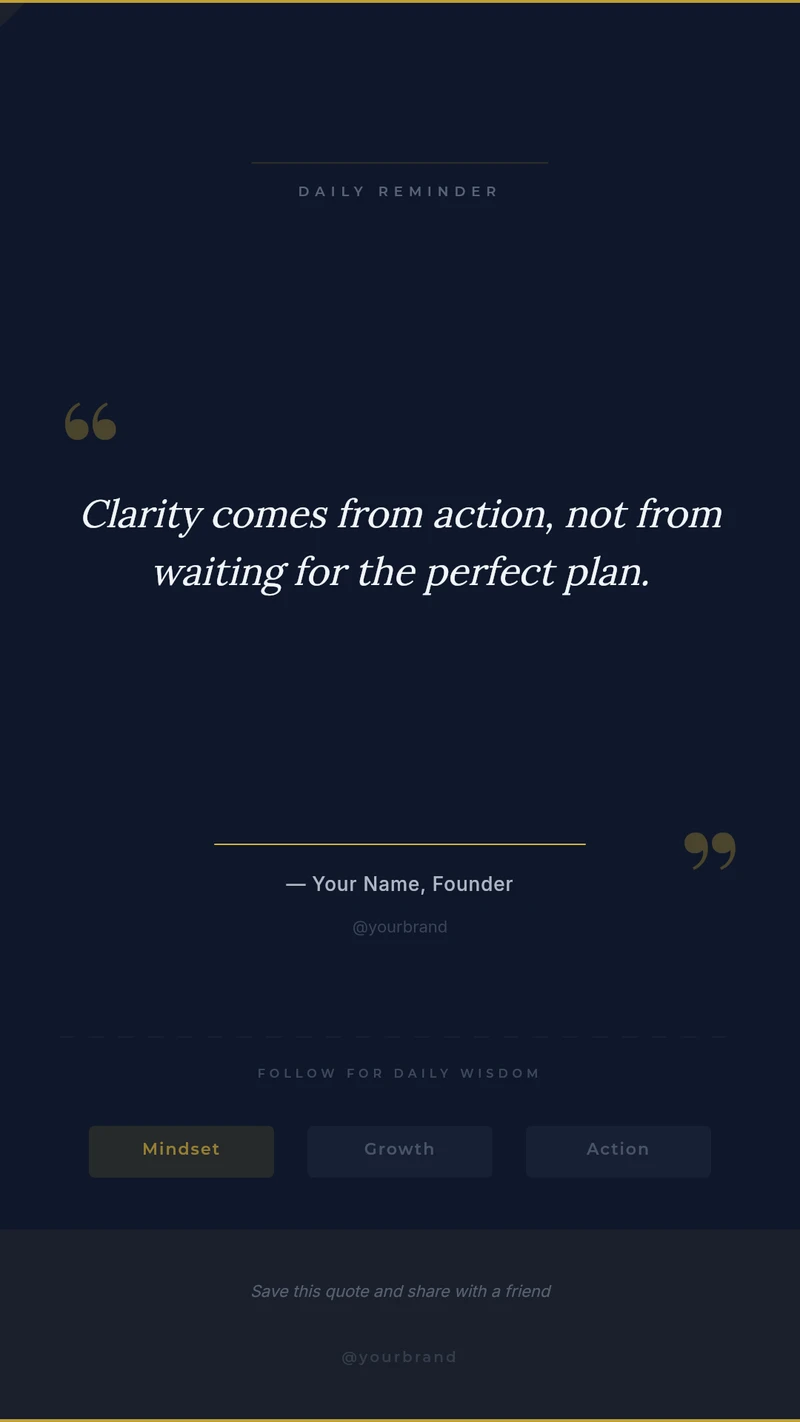
Instagram Story — Quote

LinkedIn Banner — Corporate
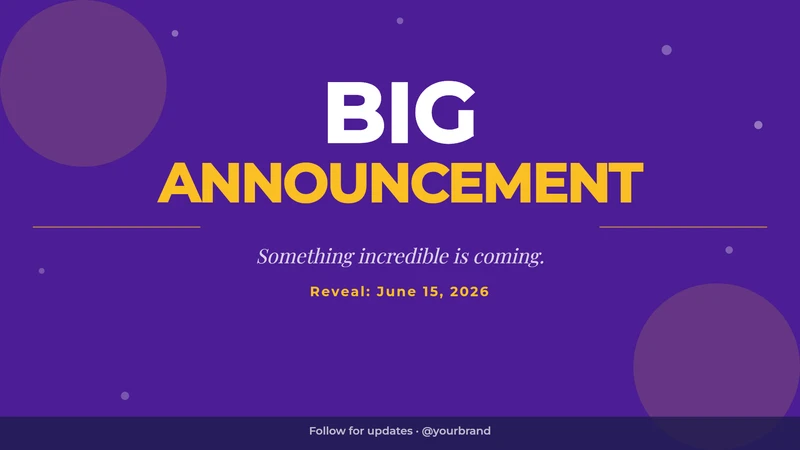
TikTok Landscape — Big Announcement
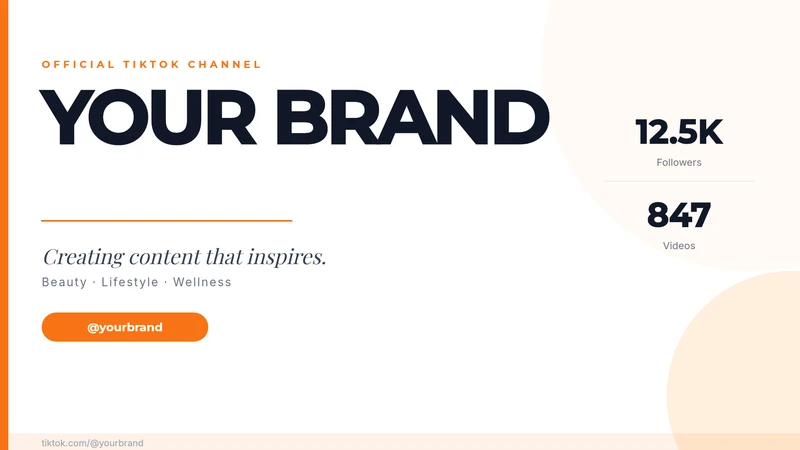
TikTok Landscape — Brand Banner

TikTok Landscape — Flash Sale Banner
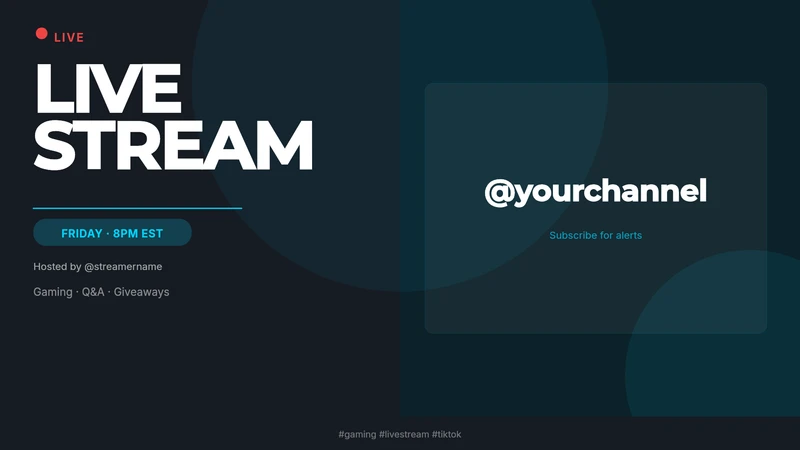
TikTok Landscape — Live Stream
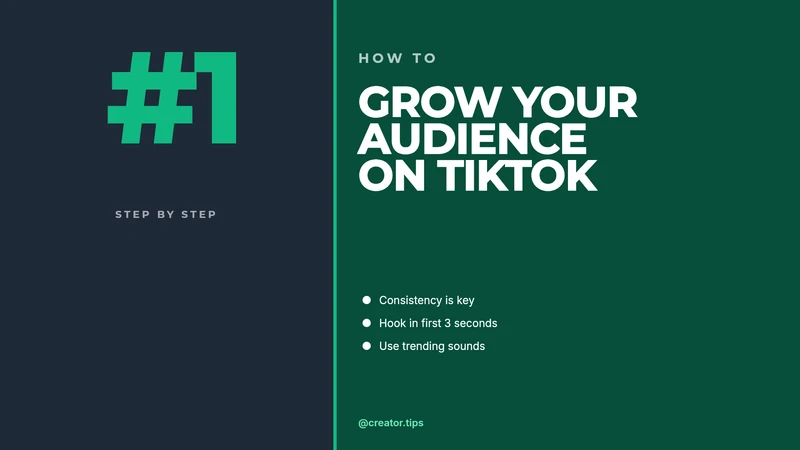
TikTok Landscape — Tutorial Thumbnail

TikTok Square — Bold Discount
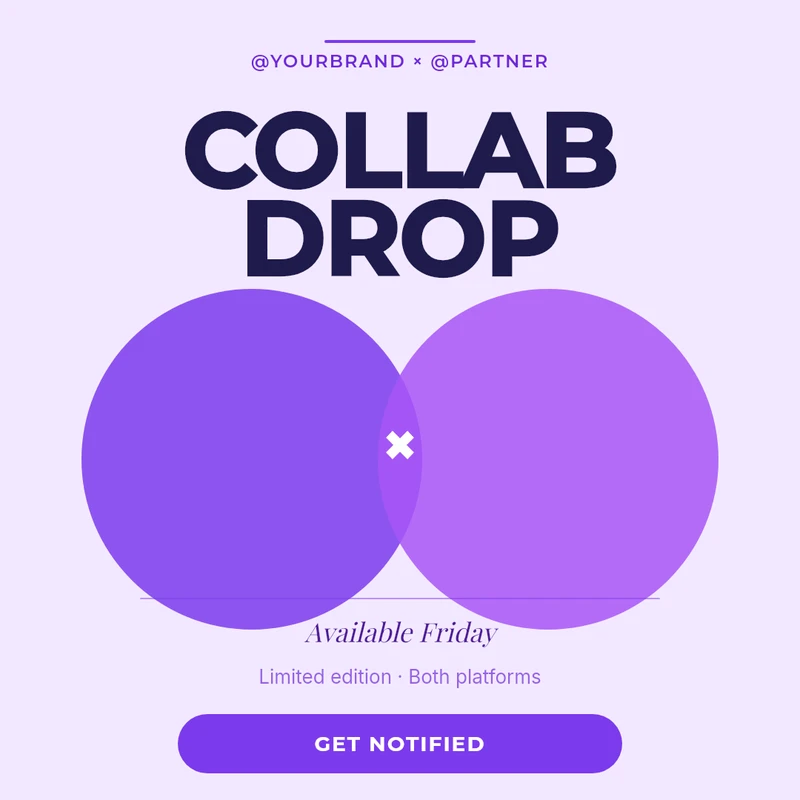
TikTok Square — Collab Drop
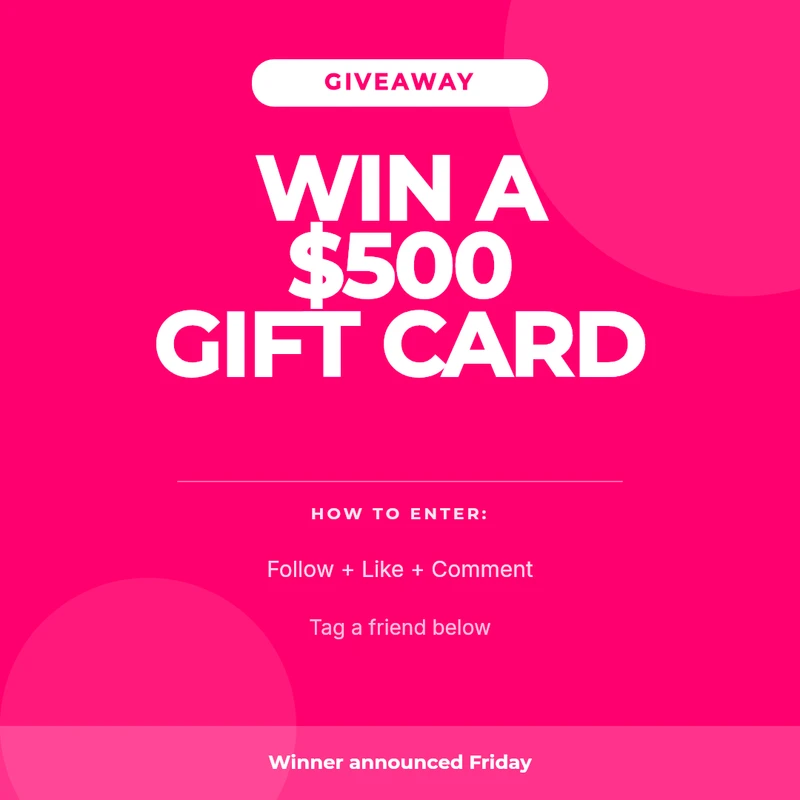
TikTok Square — Giveaway
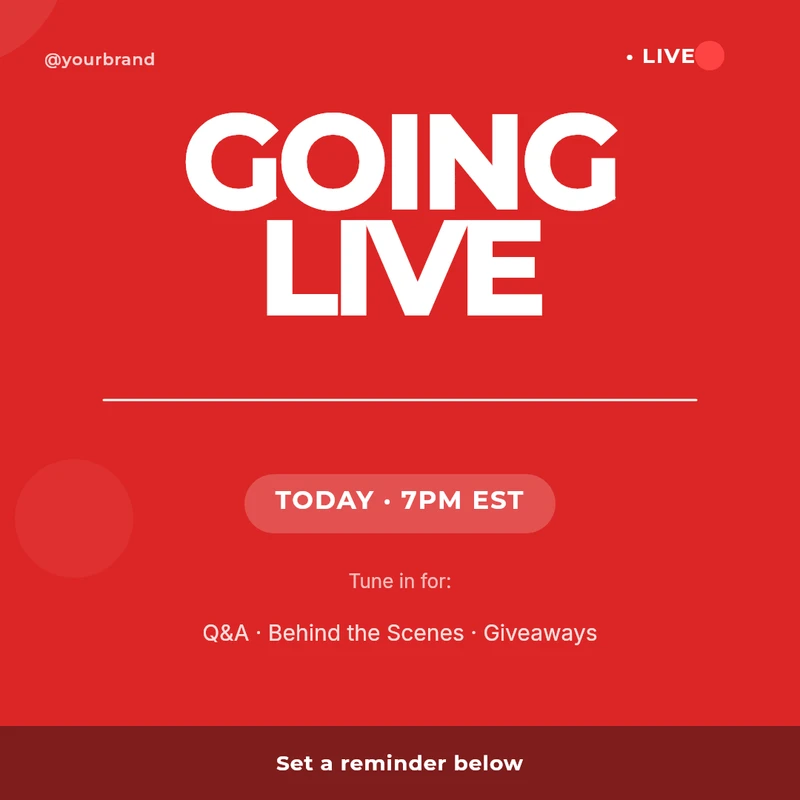
TikTok Square — Going Live
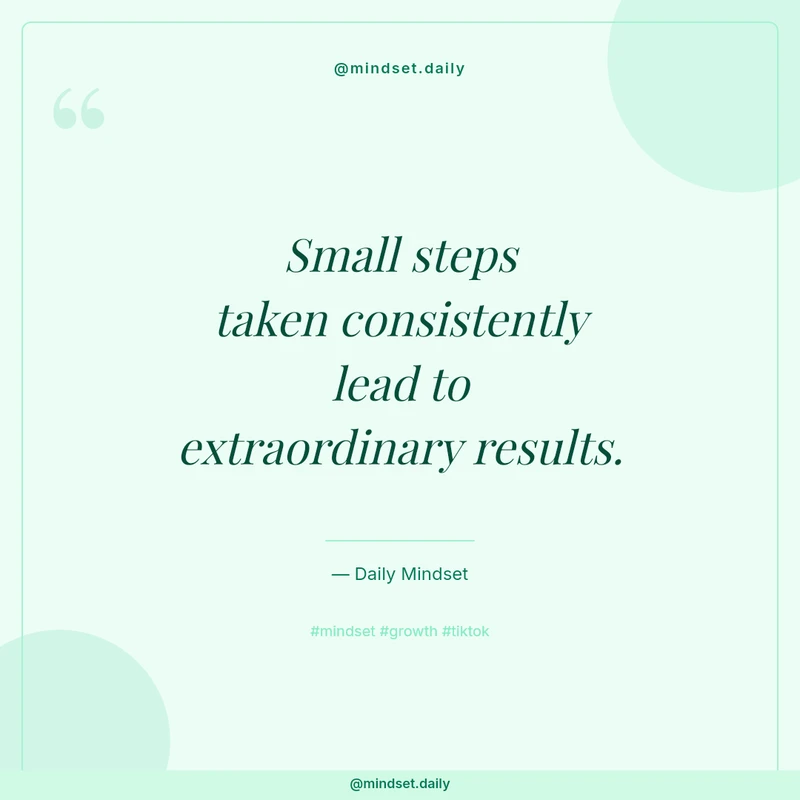
TikTok Square — Pastel Quote
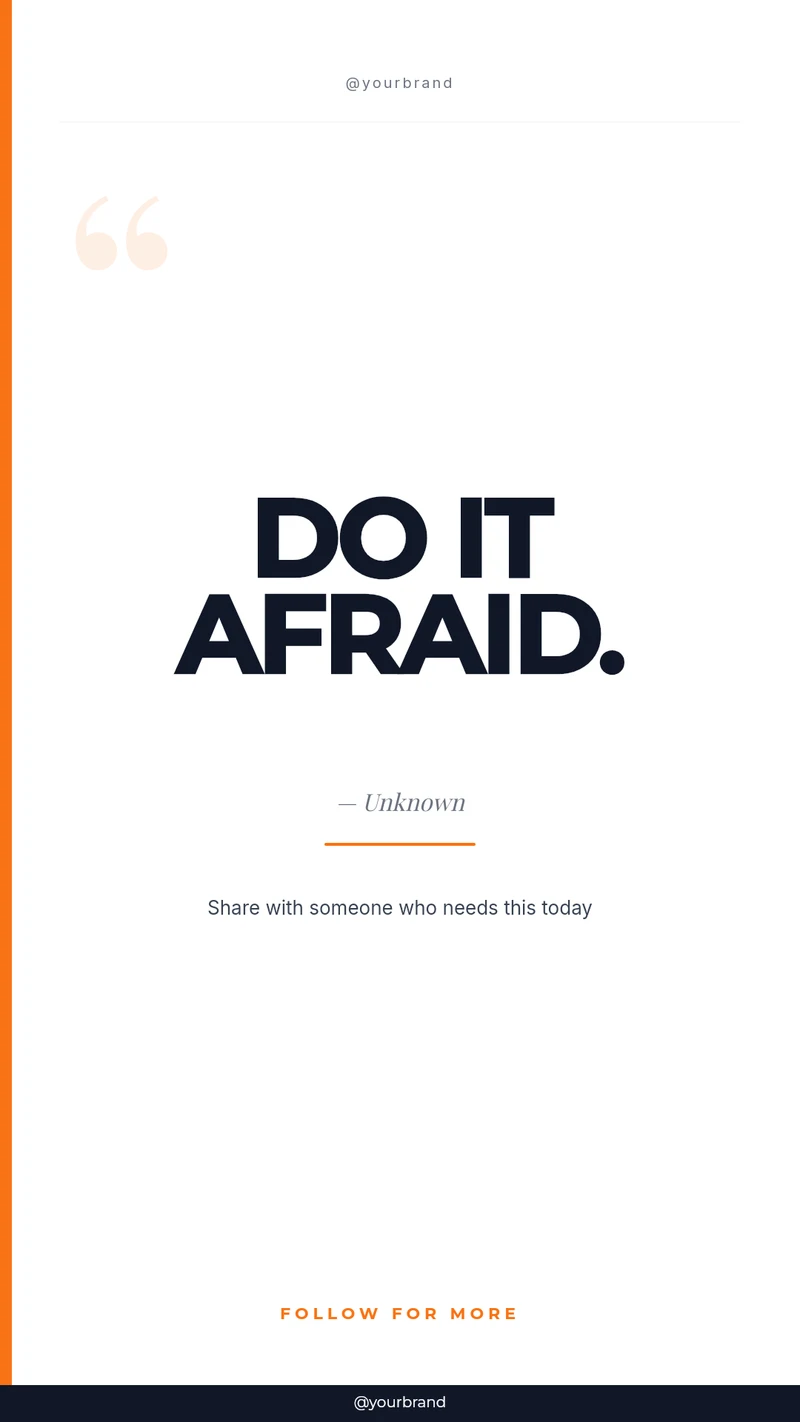
TikTok Video — Bold Quote

TikTok Video — Flash Sale
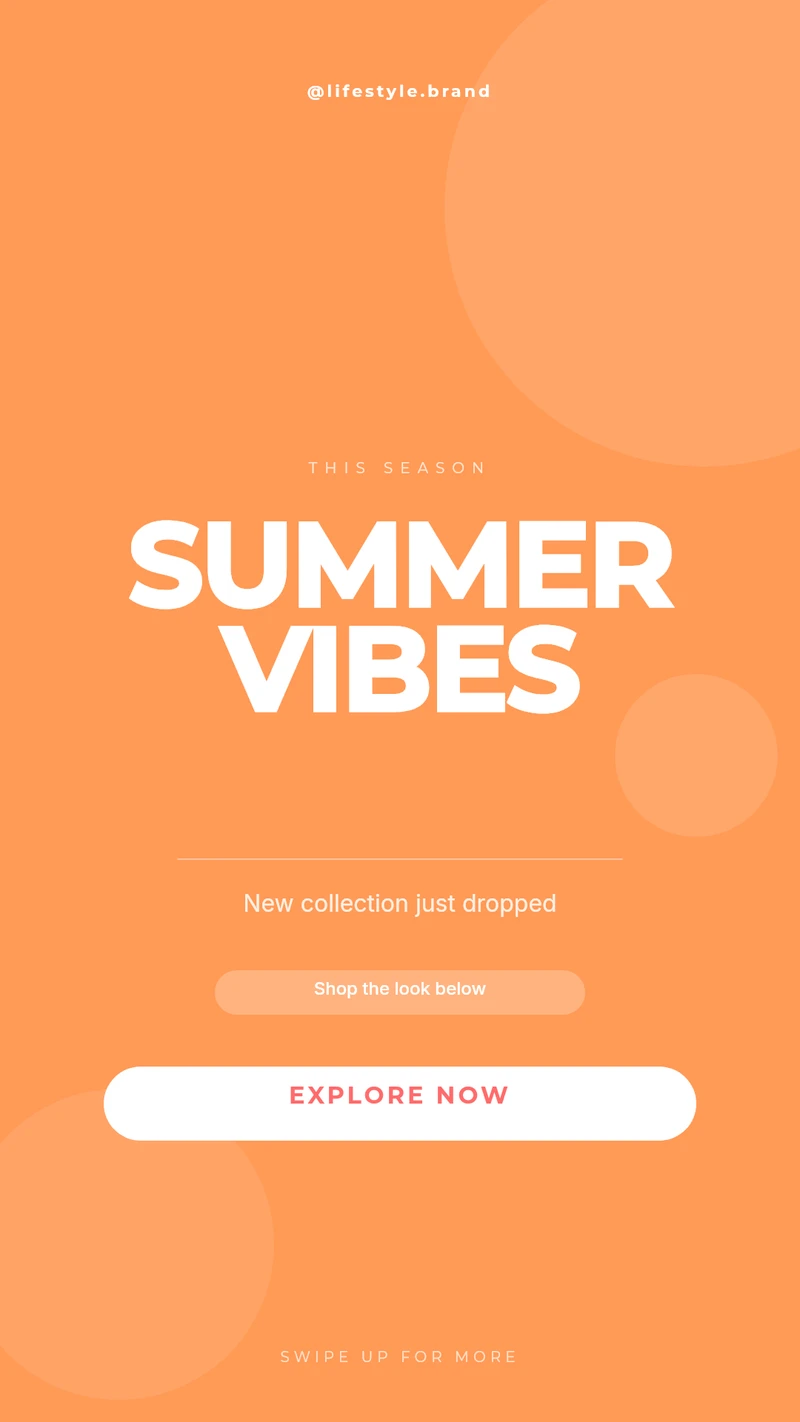
TikTok Video — Lifestyle Gradient
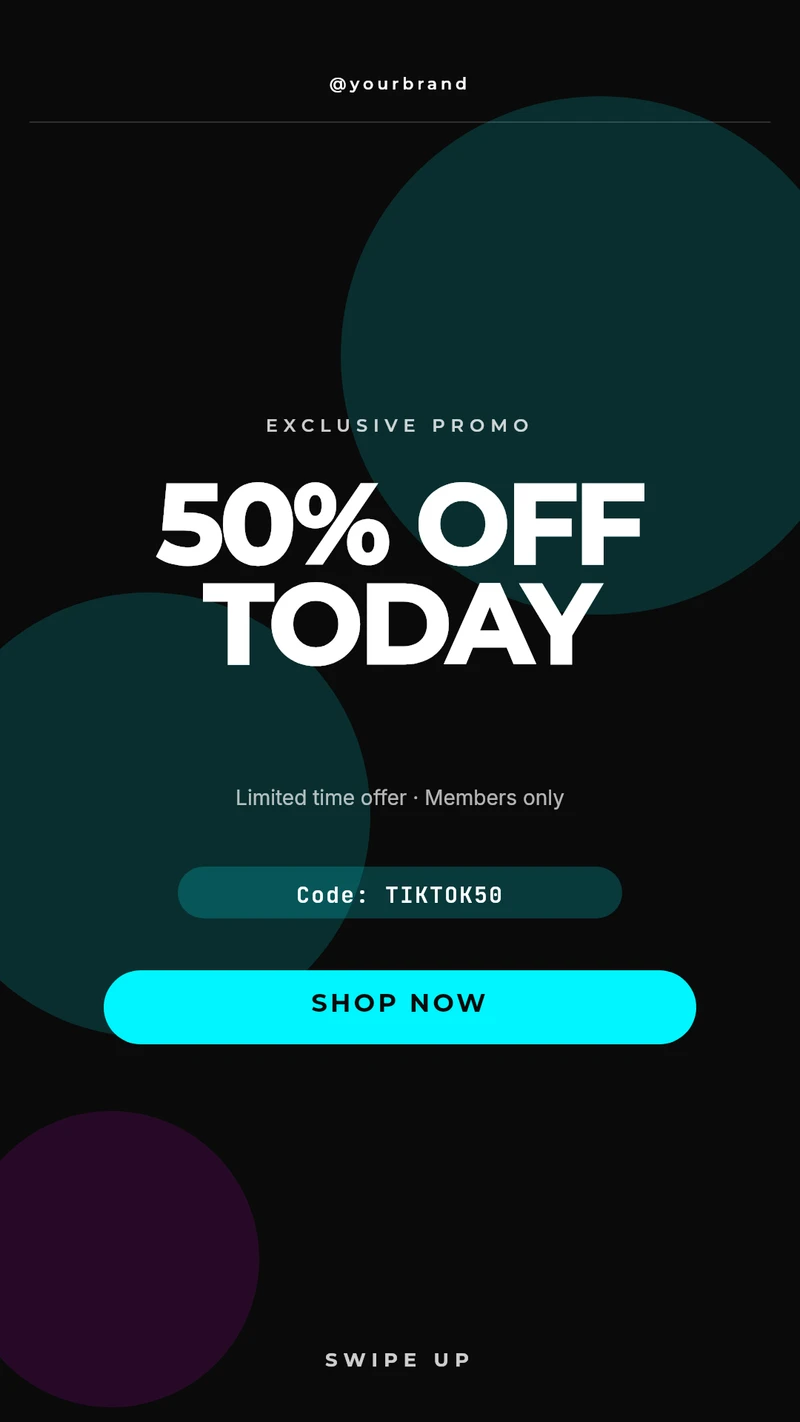
TikTok Video — Neon Promo
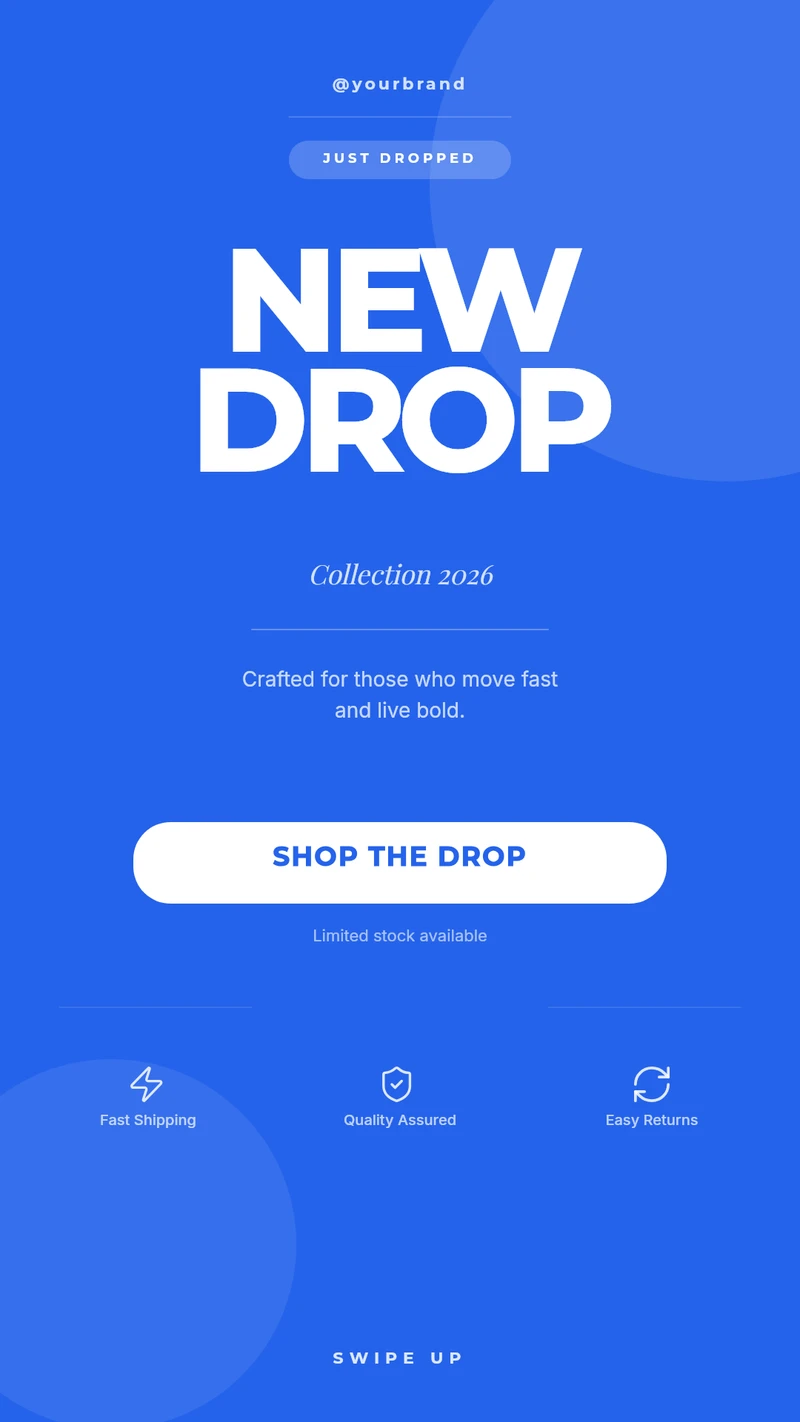
TikTok Video — New Drop
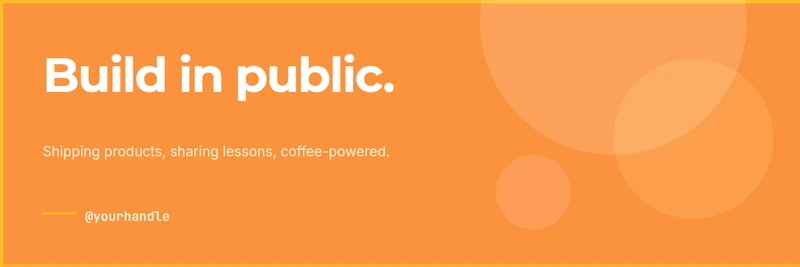
Twitter / X Banner — Gradient
The work in social graphics is rarely the design — it is the twentieth variant of it. One announcement becomes a square post, a story, a LinkedIn banner and a cover image; one campaign becomes the same layout in six languages with six different prices. Every one of those is the same template with different values, which is exactly what a variable-bound design handles. Teams running a content calendar tend to keep one locked template per format, then feed it a spreadsheet where each row is a post — headline, subhead, image, handle. The design stays on-brand because nobody can move anything, and the person filling in the sheet never opens a design tool.
In practice: Marketing teams usually batch a week or a campaign at a time from CSV. Products that generate posts on their users' behalf call the API and take back a hosted URL to drop straight into a scheduling tool.
{{headline}}{{background_image}}{{handle}}{{cta_text}}Any text, image, QR code or barcode on the canvas can become a variable — these are just the ones this category tends to use.