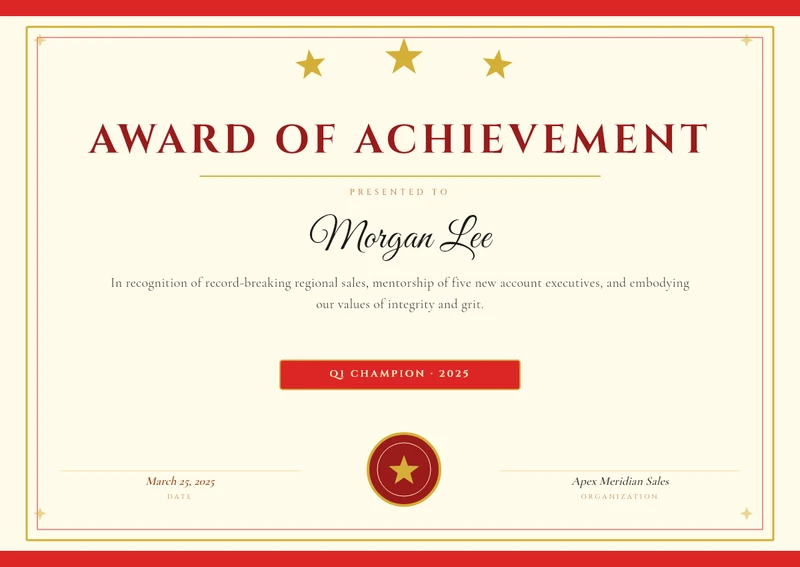
Achievement Award
Course completion, achievement, training, appreciation — the certificate designs that get issued in hundreds, not ones.
25 templates in this category — free to open, edit and generate from.
Achievement Award
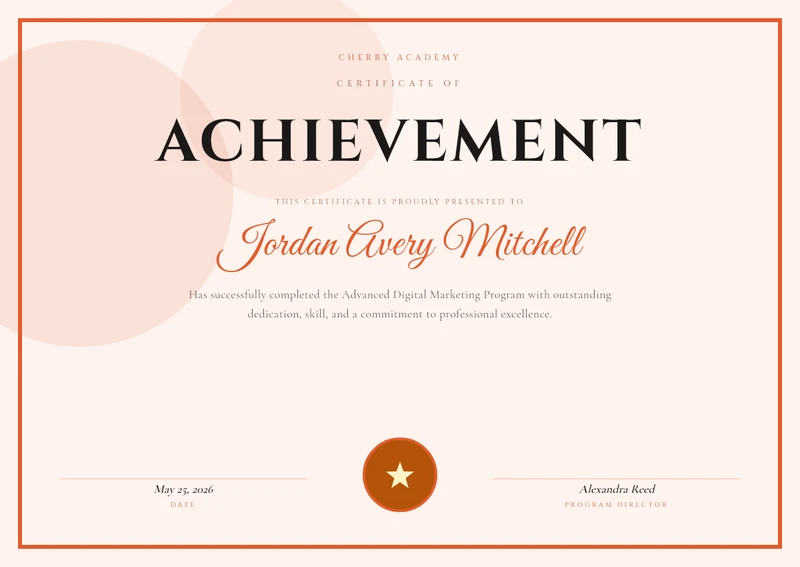
Certificate of Achievement (Coral)
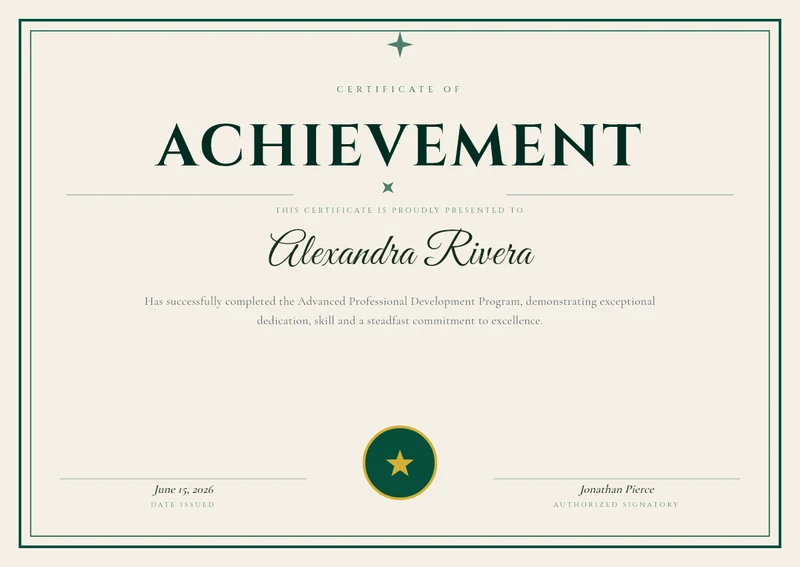
Certificate of Achievement (Green)
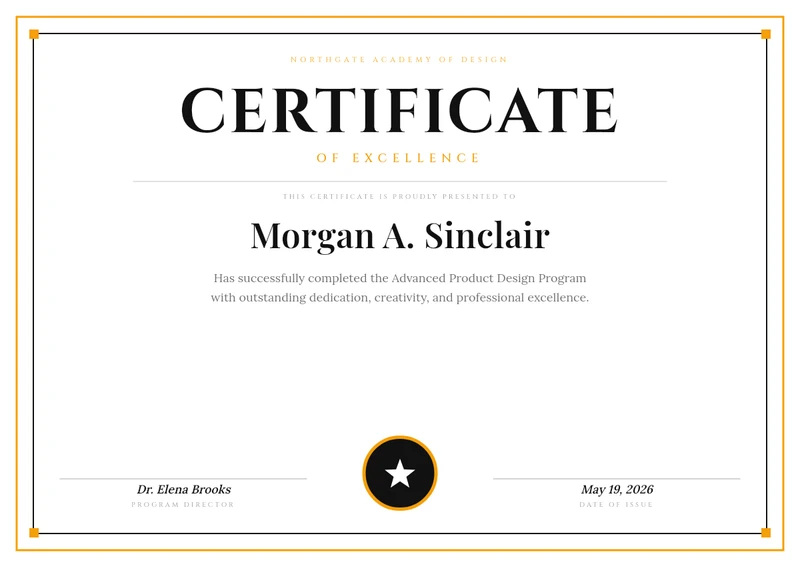
Bold Black & Amber Modern Certificate

Bootcamp Graduate
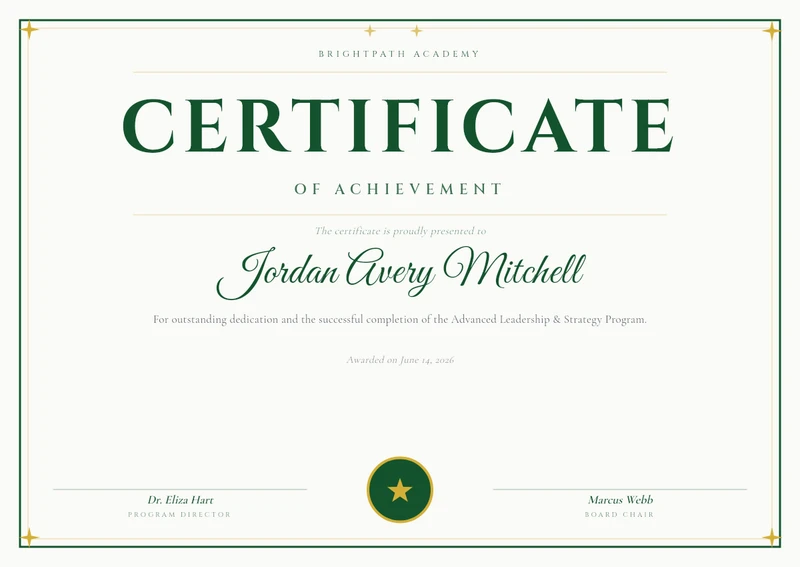
BrightPath Academy Certificate

Elegant Burgundy & Gold Certificate of Achievement
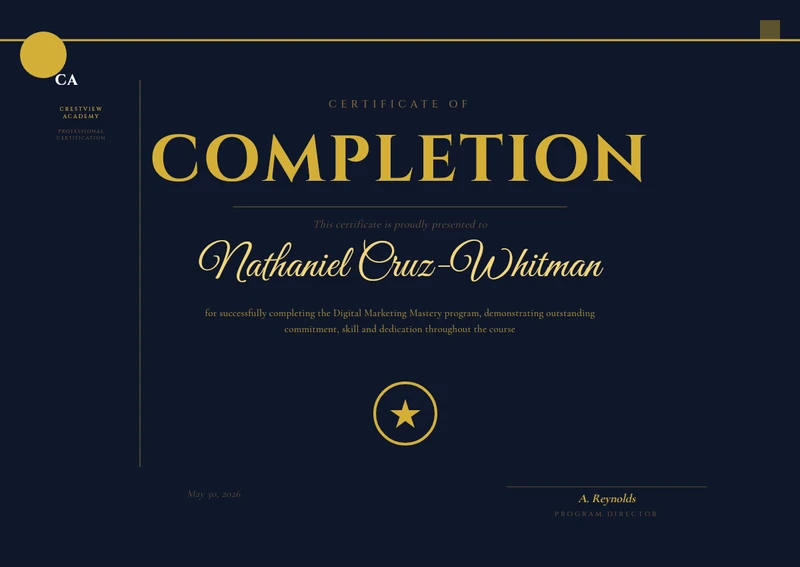
Dark Navy Academy Course Completion Certificate
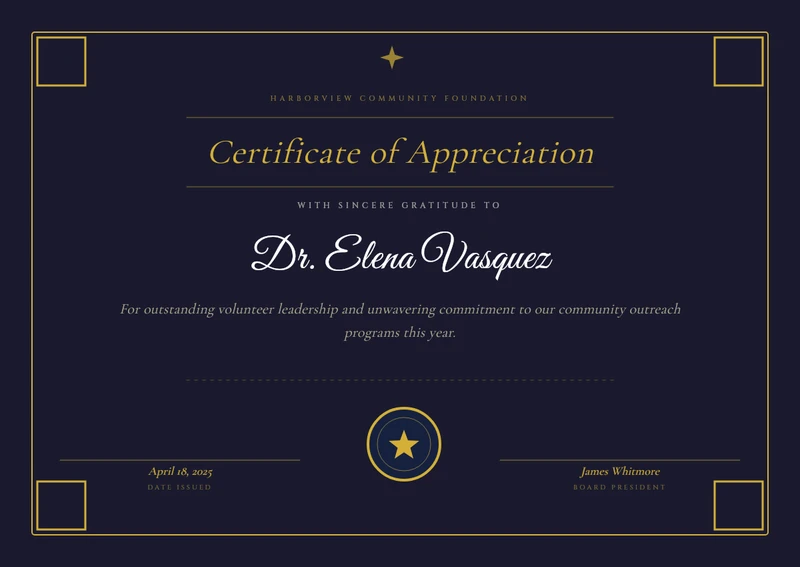
Elegant Appreciation
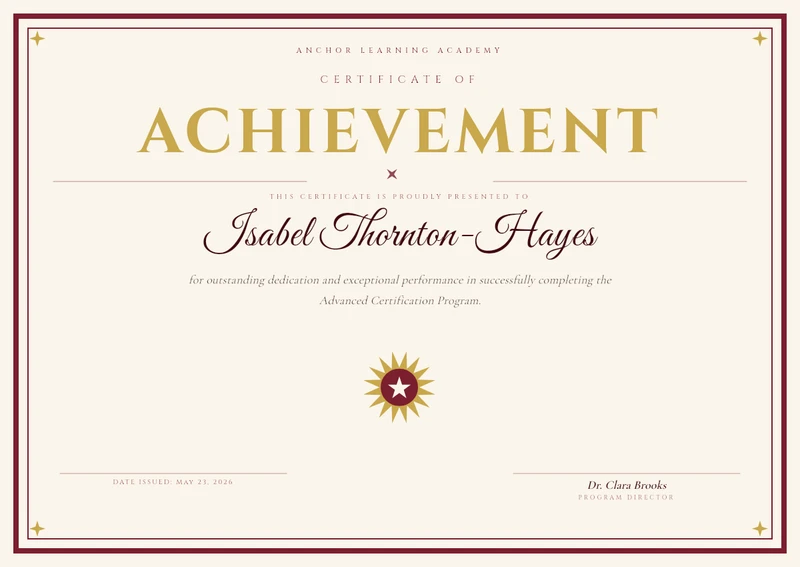
Elegant Burgundy & Gold Achievement Certificate
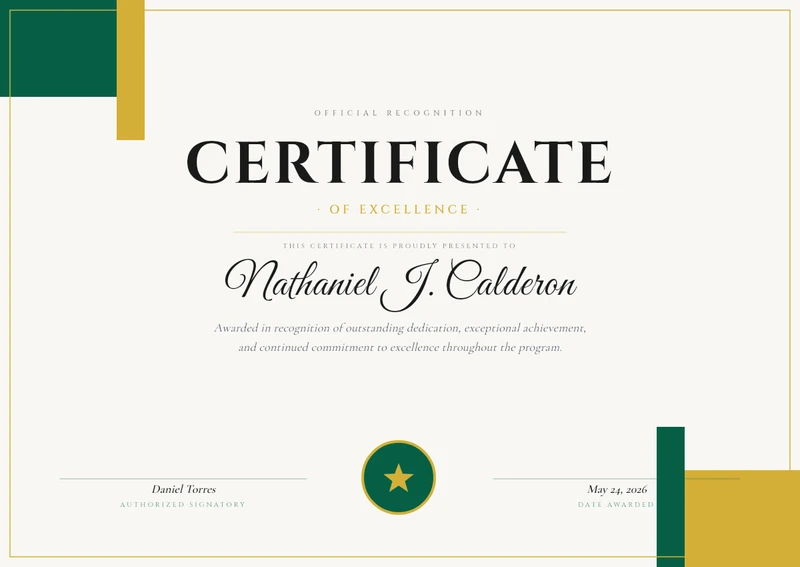
Emerald & Gold Certificate of Excellence
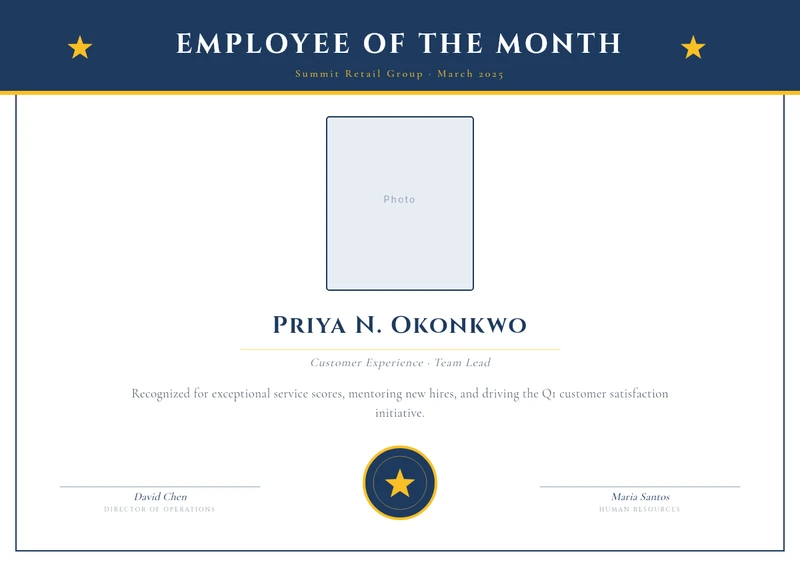
Employee of the Month

Certificate of Excellence (Purple)
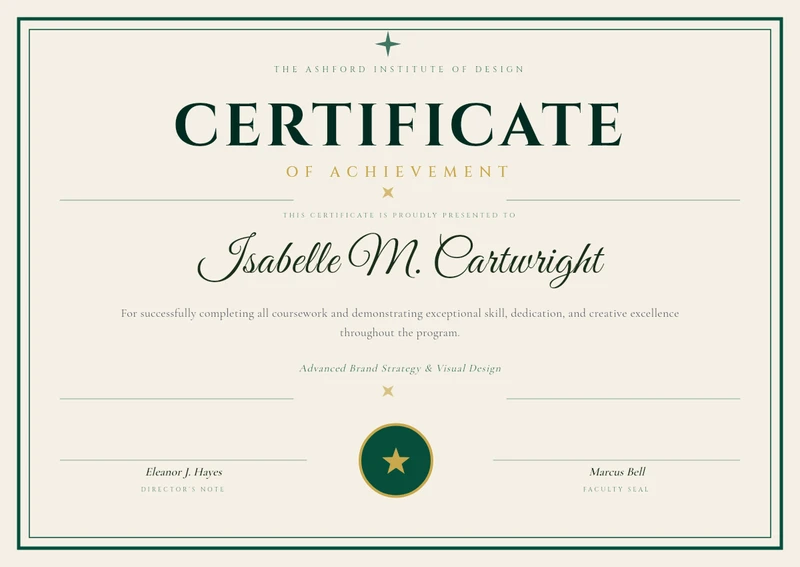
Elegant Forest Green & Gold Certificate of Achievement

Modern Completion
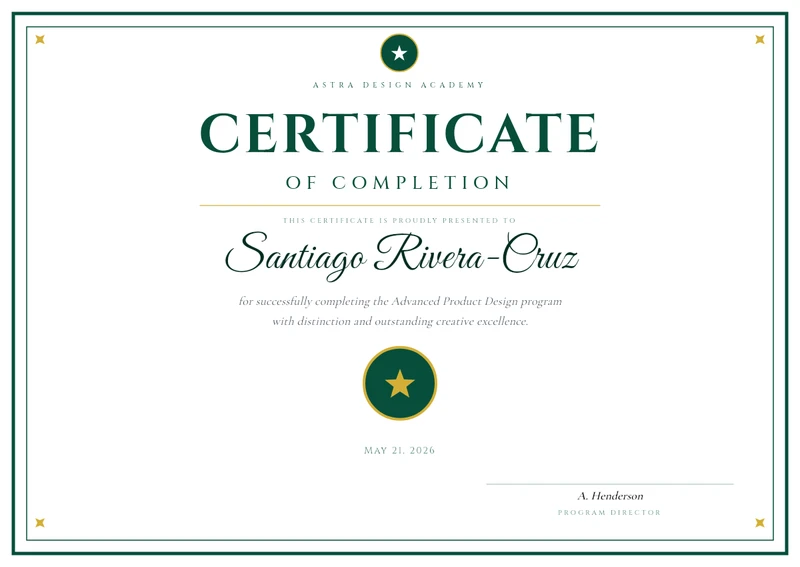
Modern Emerald & Gold Certificate of Completion

Modern Geometric Workshop Certificate
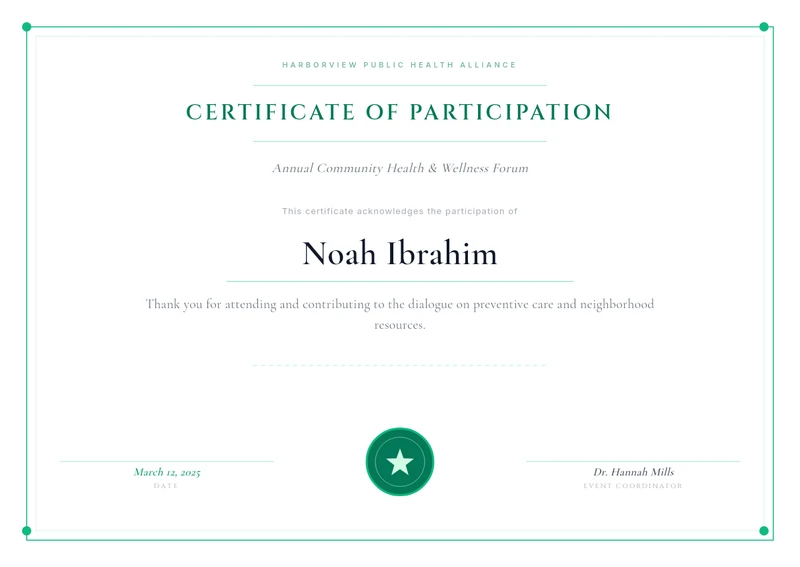
Certificate of Participation
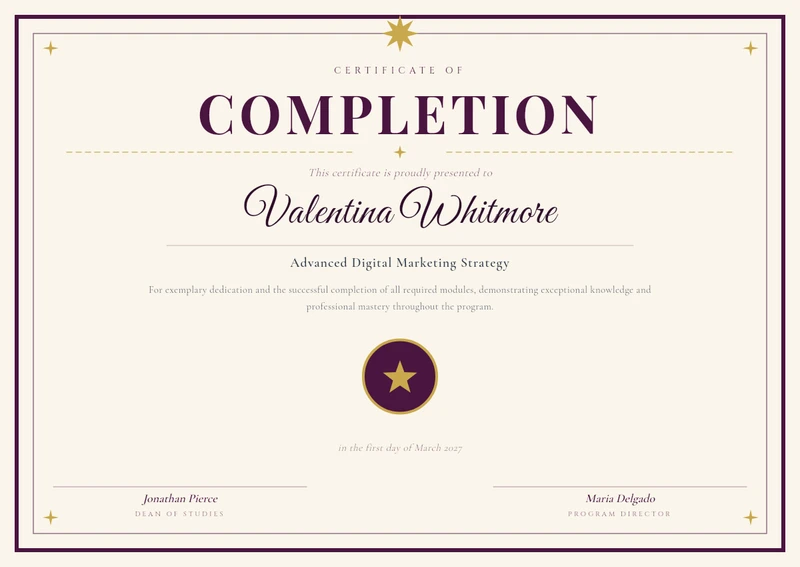
Plum & Gold Ornamental Certificate of Completion
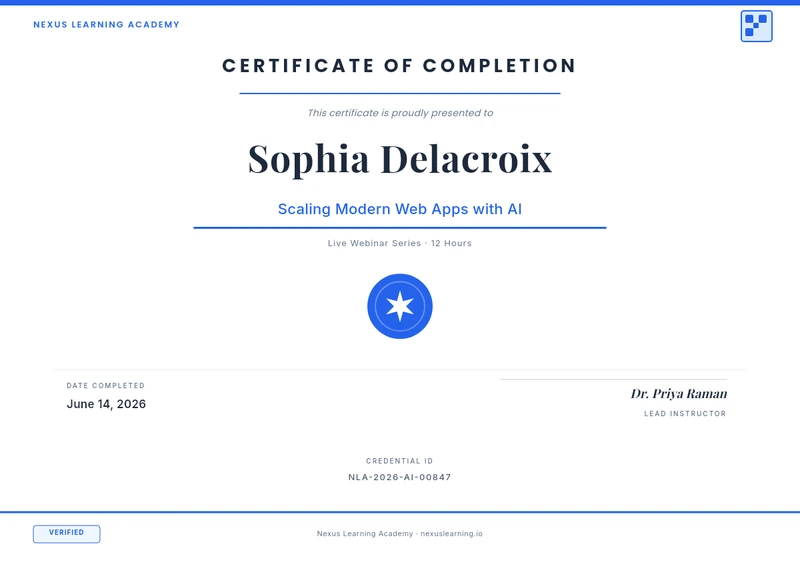
Tech-Forward Webinar Completion Certificate
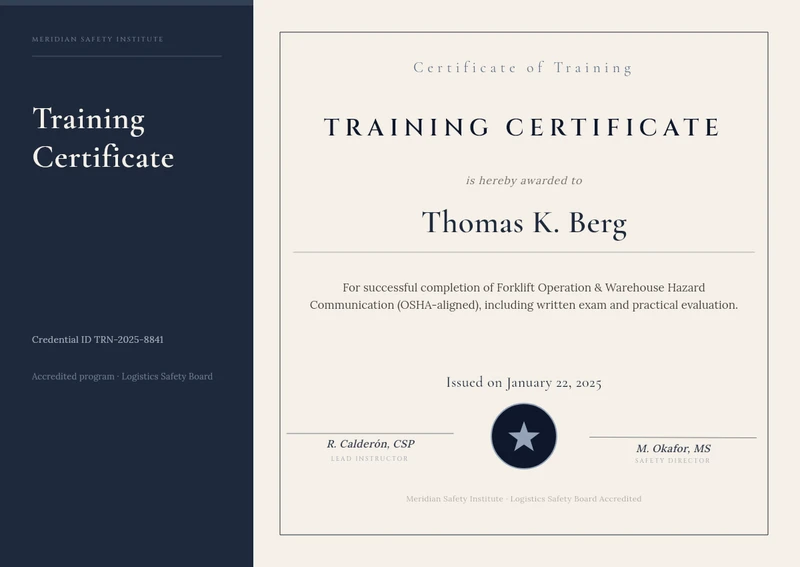
Training Certificate
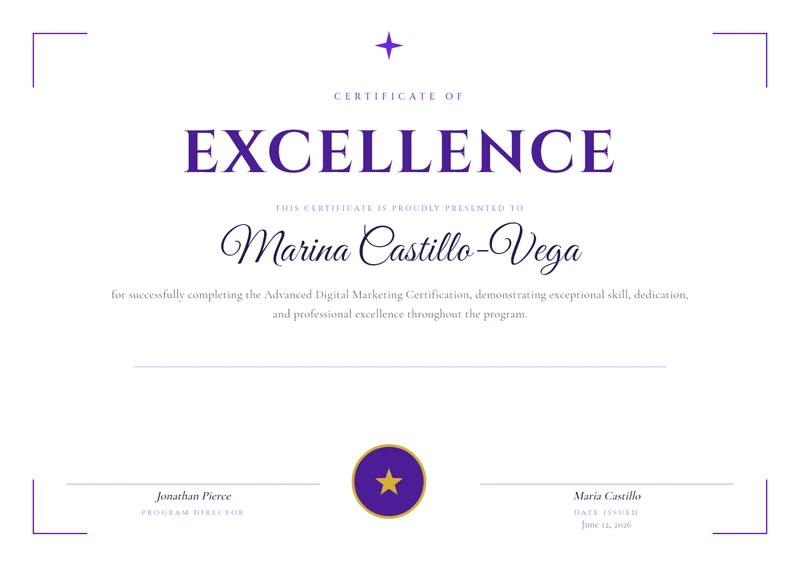
Modern Violet Gradient Certificate of Excellence
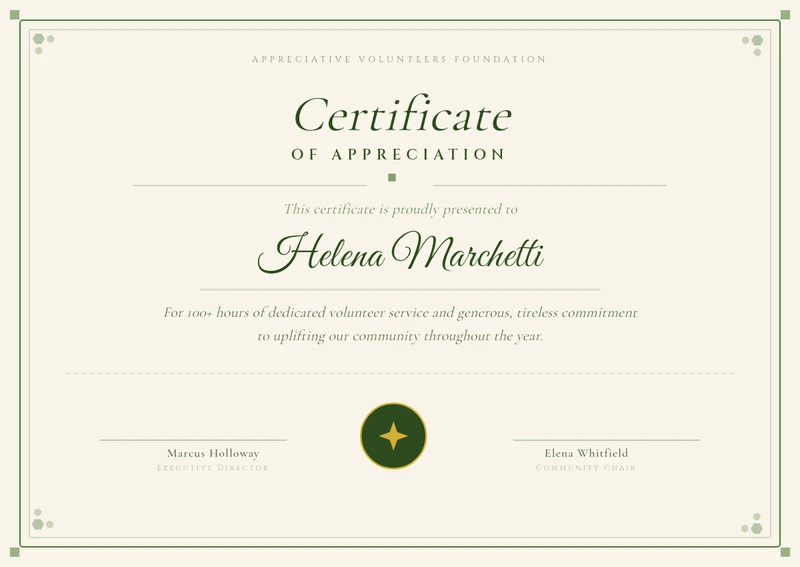
Volunteer Appreciation Botanical

Workshop Attendance
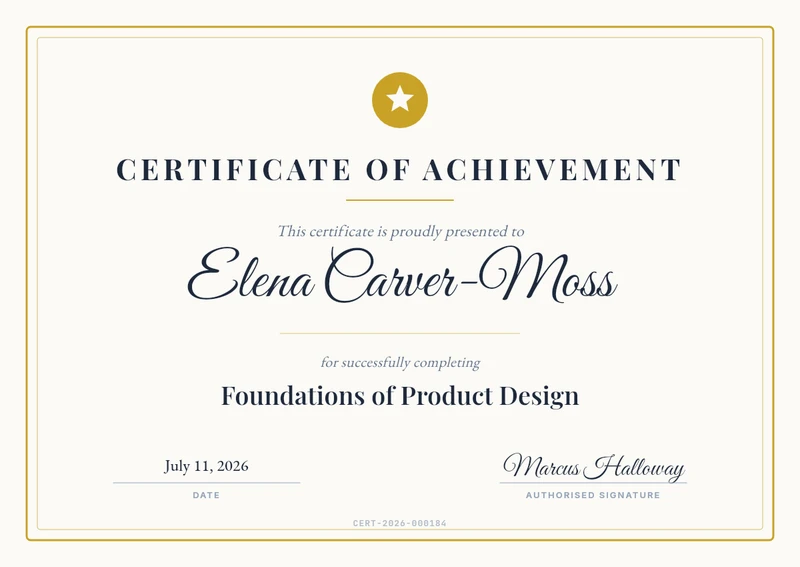
Starter Certificate (Variables)
Certificates are the clearest case for template rendering: the design is fixed by whoever owns the brand, and the only things that move are a name, a course title, a date and a signature block. Issuing them by hand means someone opening a design file once per student, which stops working the moment a cohort passes fifty people. Bind those four fields to variables and a completed-students CSV becomes a folder of finished PDFs. Because certificates usually get printed or archived rather than posted, this is the category where the print-ready PDF export matters most — 300 DPI with the fonts embedded, so the file opens the same way at the print shop as it did in the editor.
In practice: Most teams run these as a batch job: export the cohort to CSV, upload, download a ZIP of PDFs. Learning platforms that issue continuously call the API instead, one render per completion event.
Read the walkthrough: How to Generate Certificates From a Spreadsheet (CSV to ZIP, No Mail Merge) →{{recipient_name}}{{course_name}}{{completion_date}}{{verification_url}}Any text, image, QR code or barcode on the canvas can become a variable — these are just the ones this category tends to use.