One export per person
Open the design, type a name, export a PDF, rename the file, repeat. It is fine for eight graduates. For a cohort of 120 it is an afternoon, and the typos come from the copy and paste.
Turn a completion list into finished certificates: every name spelled the way it is in your records, the right course and date, and a QR code that checks back against your own verification page.
100 free renders a month · Print-ready PDF and the API on every plan · No credit card
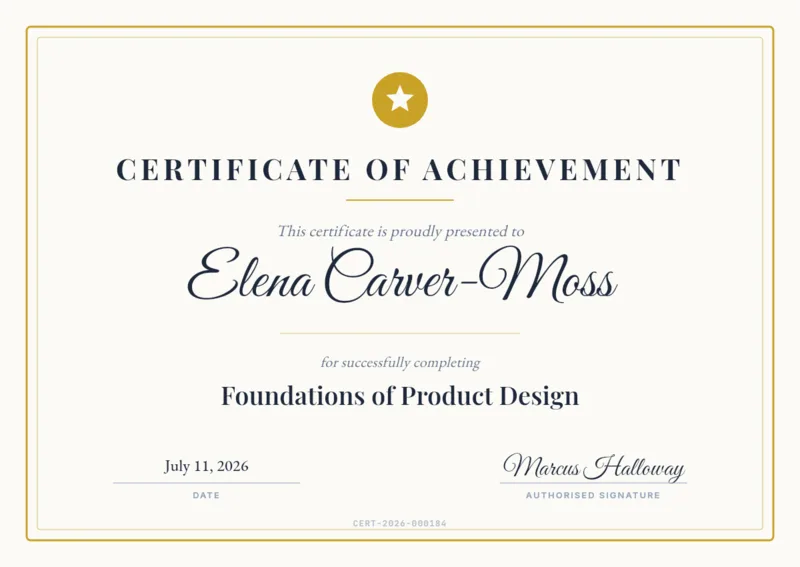
Open the design, type a name, export a PDF, rename the file, repeat. It is fine for eight graduates. For a cohort of 120 it is an afternoon, and the typos come from the copy and paste.
It works until the list gets long. Rows are capped per batch, every row becomes a page of one document to review and export, and nothing checks row 88 before it is generated.
Merge fields fill in the text, but a different QR code per learner means field codes few people have touched, and the PDF depends on the fonts installed on whoever ran the merge.
Already on Canva? Where Bulk Create stops, and when it is still the better answer →
Start from a certificate template or your own design. Click the name and bind it to {{recipient_name}}; bind the QR code to {{verification_url}}. The layout is then locked, and only those fields change.
One row per learner, with headers that match the variable names. Rows are checked before anything renders, so a missing name or a link the QR code cannot hold is flagged up front.
One print-ready PDF per learner. Platforms that issue continuously call the API on each completion instead and attach the PDF to their own email.
{{recipient_name}}{{course_name}}{{completion_date}}{{verification_url}}In practice: Most teams run these as a batch job: export the cohort to CSV, upload, download a ZIP of PDFs. Learning platforms that issue continuously call the API instead, one render per completion event.
Read the walkthrough: How to Generate Certificates From a Spreadsheet (CSV to ZIP, No Mail Merge) →The column headers are the variable names above. Paste your own learners under them, or use the sample rows to try a template first.
| recipient_name | course_name | completion_date | verification_url |
|---|---|---|---|
| Jordan Mercer | Product Design Foundations | 15 October 2026 | https://example.com/verify/CERT-2026-0001 |
| Zofia Łęcka | Product Design Foundations | 15 October 2026 | https://example.com/verify/CERT-2026-0002 |
| Søren Ødegård | Product Design Foundations | 15 October 2026 | https://example.com/verify/CERT-2026-0003 |
| 王芳 | Product Design Foundations | 15 October 2026 | https://example.com/verify/CERT-2026-0004 |
| محمد الأحمد | Product Design Foundations | 15 October 2026 | https://example.com/verify/CERT-2026-0005 |
Every template opens in the editor with its fields ready to bind. Change anything; the layout is yours.
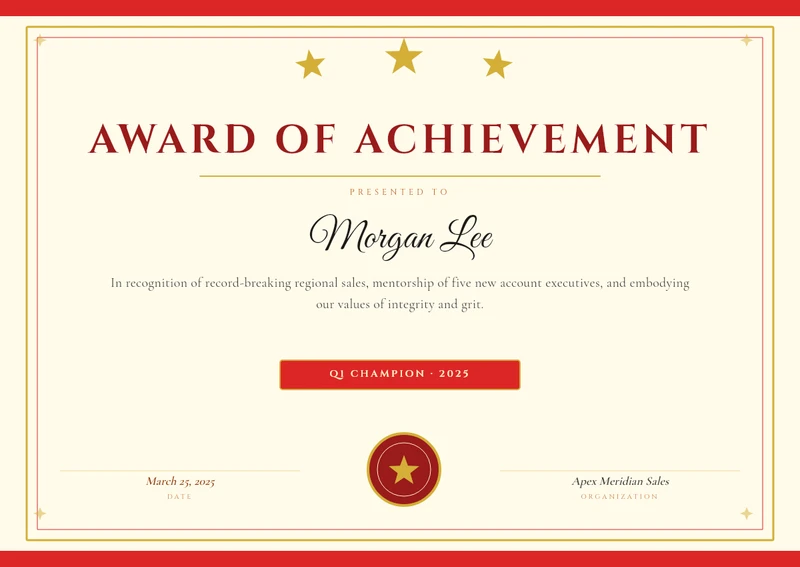 Achievement Award
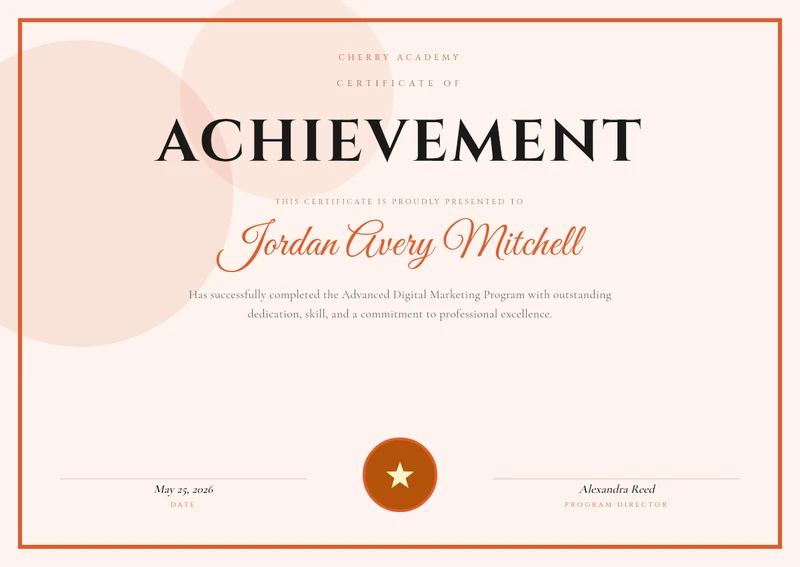 Certificate of Achievement (Coral)
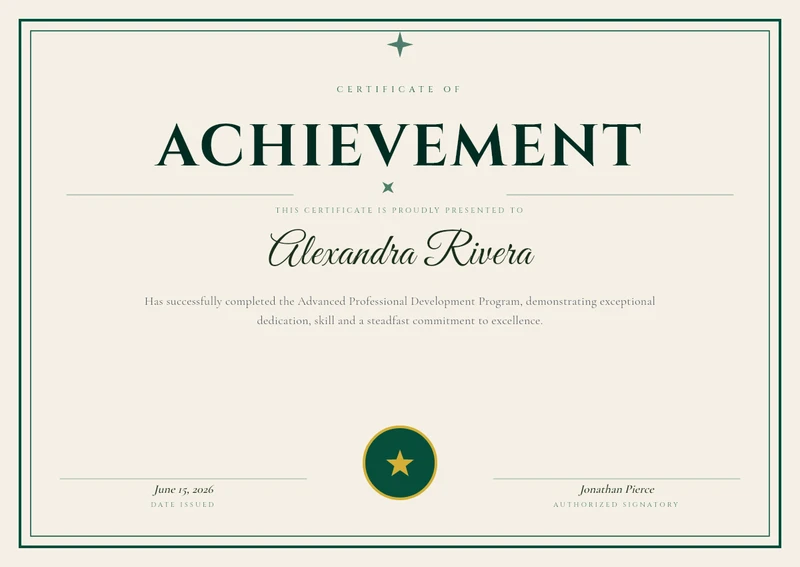 Certificate of Achievement (Green)
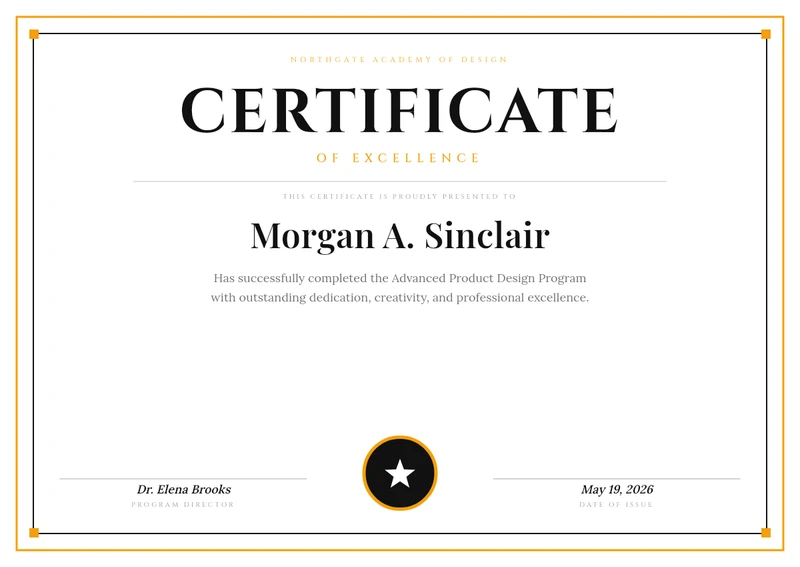 Bold Black & Amber Modern Certificate
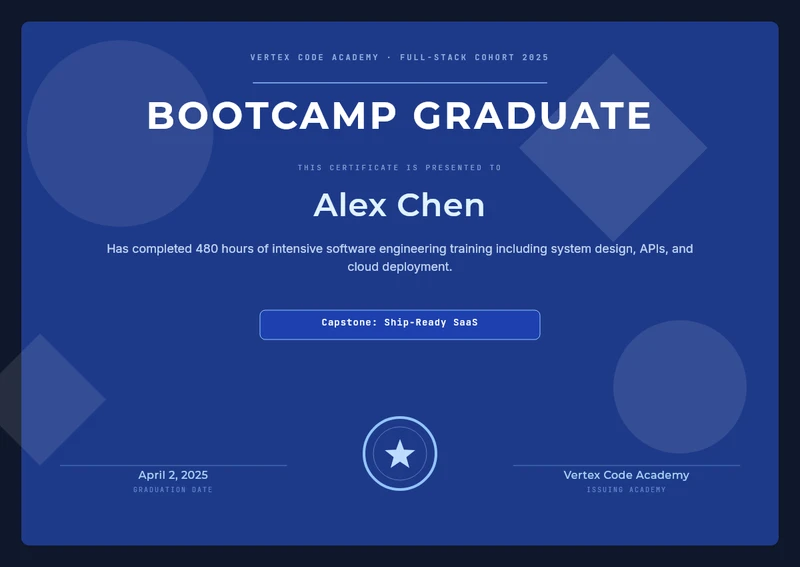 Bootcamp Graduate
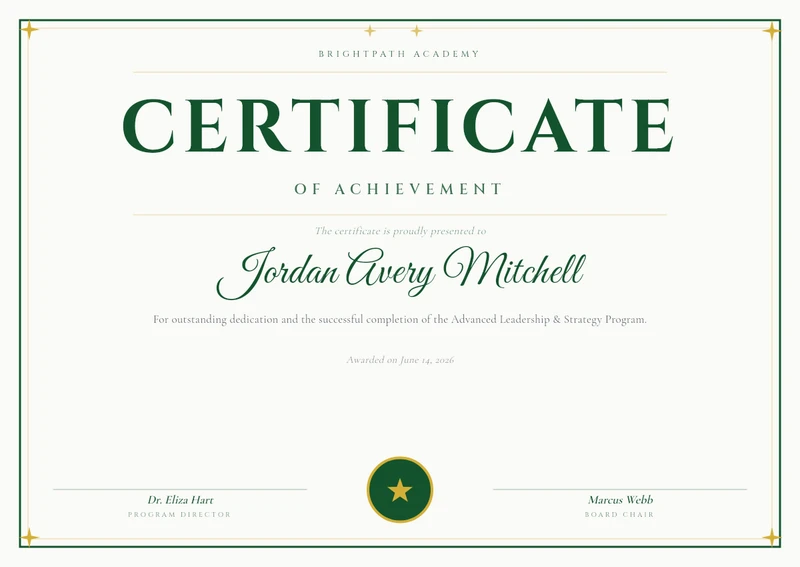 BrightPath Academy Certificate
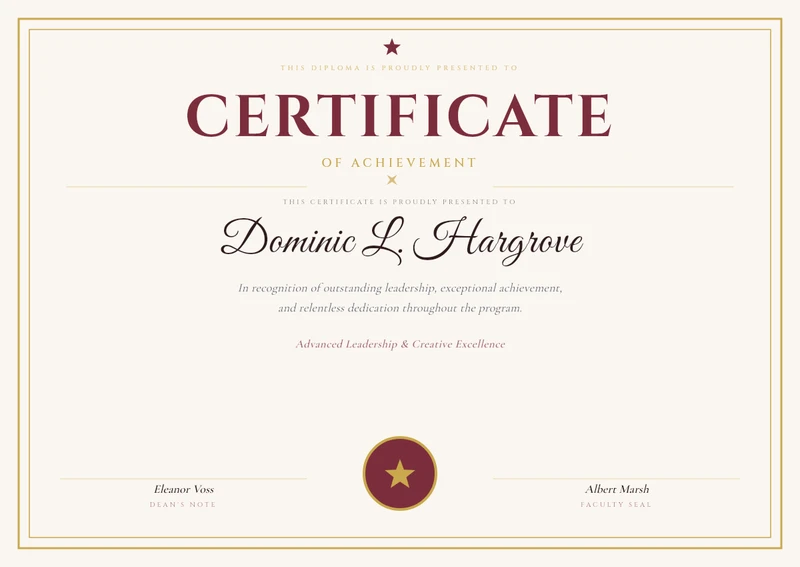 Elegant Burgundy & Gold Certificate of Achievement
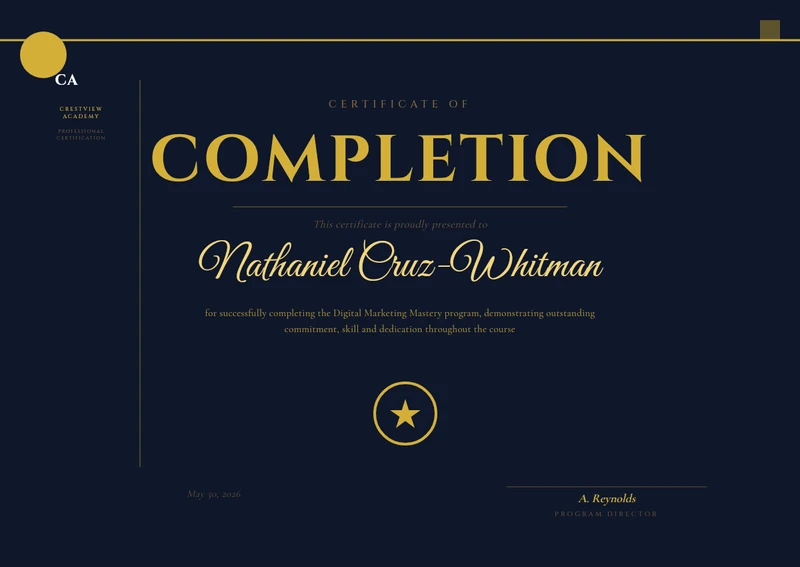 Dark Navy Academy Course Completion Certificate
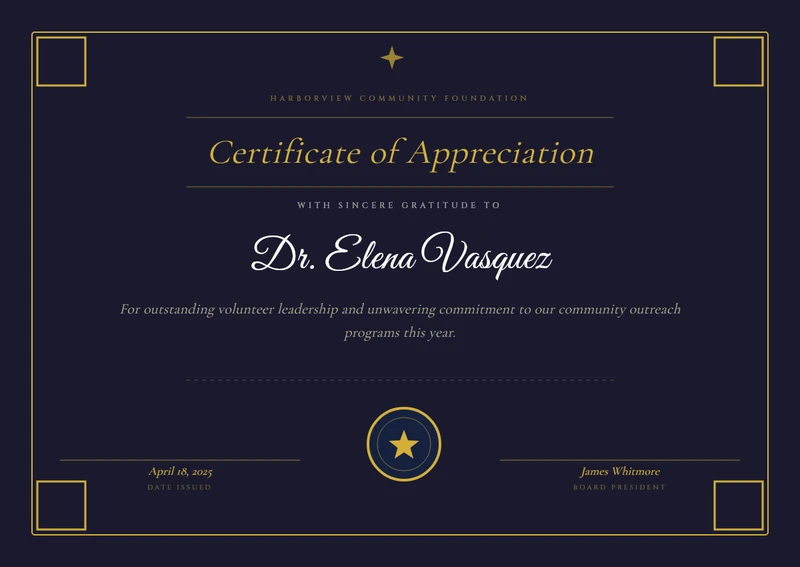 Elegant Appreciation
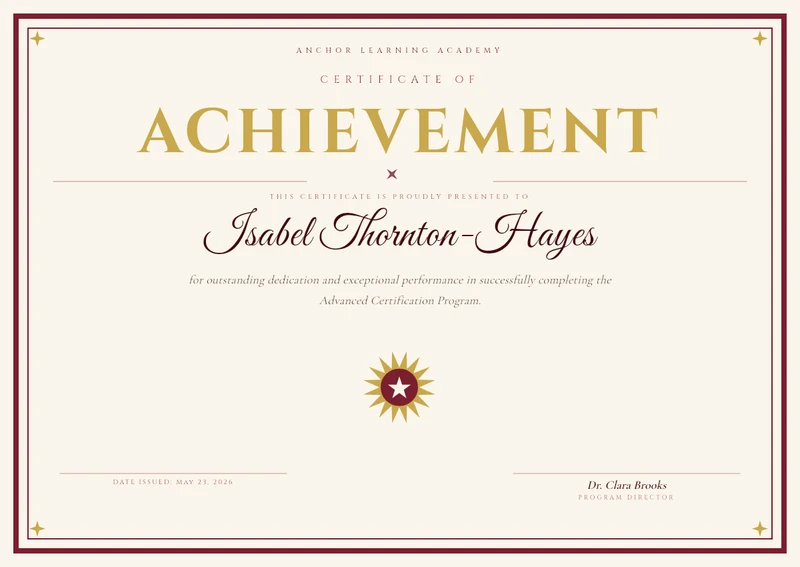 Elegant Burgundy & Gold Achievement Certificate
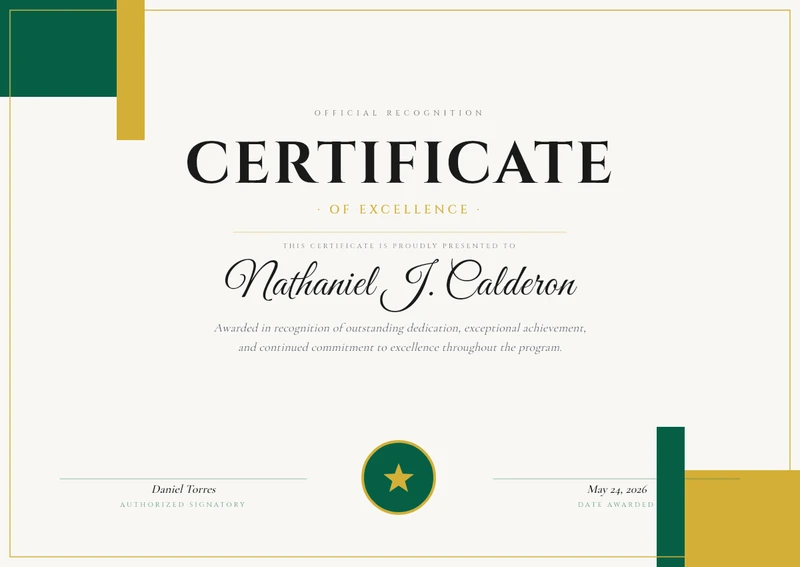 Emerald & Gold Certificate of Excellence
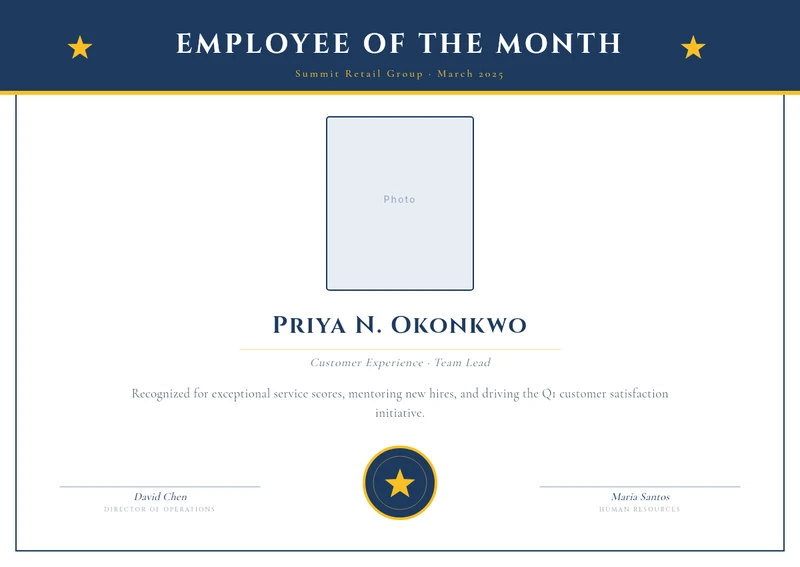 Employee of the Month
Bind the QR code to {{verification_url}} and each certificate links to its own record, so an employer can check it with a phone camera instead of emailing you. The link points wherever your records live.
Set the page in millimetres or inches and export at 300 DPI with the fonts embedded, so it opens at the print shop the way it looked in the editor. A5 on Free, A4 and US Letter from Personal, A3 from Studio.
Learn moreZofia Łęcka, Søren Ødegård, 王芳, محمد. A font fallback chain covers Chinese, Japanese, Korean, Arabic, Hebrew and Thai, and auto-fit keeps the longest name inside its frame.
Learn moreDrop the CSV in the app, match columns to fields, download a ZIP. No code.
Batch from CSVYour LMS, on each course completion.
POST /api/v1/templates/{template_id}/generate
X-Api-Key: YOUR_API_KEY

{
  "variables": {
    "recipient_name": "Zofia Łęcka",
    "course_name": "Product Design Foundations",
    "completion_date": "15 October 2026",
    "verification_url": "https://example.com/verify/CERT-2026-0002"
  },
  "format": "pdf"
}
# → 200 · application/pdf · one certificateConnect Claude or ChatGPT once. It designs, checks and renders real templates you can edit later.
Make a certificate for everyone in completions.csv, with a QR code that links to their verify URL.
Template checked and saved. Batch submitted, one certificate per row. Here is the ZIP.
Every batch job has a row cap set by your plan, from the app and the API alike. A longer list runs as several jobs, two at a time, and every row is one render against your monthly quota. Failed rows are refunded.
| Plan | Price / mo | Rows per job | Renders / mo | 120 learners |
|---|---|---|---|---|
| Free | $0 | 25 | 100 | More than a month’s renders |
| Personal | $29 | 100 | 5,000 | 2 jobs |
| Studio | $49 | 200 | 12,000 | 1 job |
| Team | $79 | 300 | 25,000 | 1 job |
| Business | $199 | 400 | 100,000 | 1 job |
120 learners is an example, not a limit. Prices exclude VAT; annual billing is two months free. Full pricing and what counts as a render →
Open a certificate template, bind the name, course, date and QR code, and render the list. Free forever, no credit card.