Episode graphics for every release, in your show’s style

Enter the episode number, the guest and one good quote. Zandovi produces the cover, the quote card, the thumbnail and the story that announce it.

100 free images every month · No credit card
One episode
Episode
42
Guest
Jordan Ellis
Quote
The best ideas come from…
Links
Spotify, Apple Podcasts, YouTube
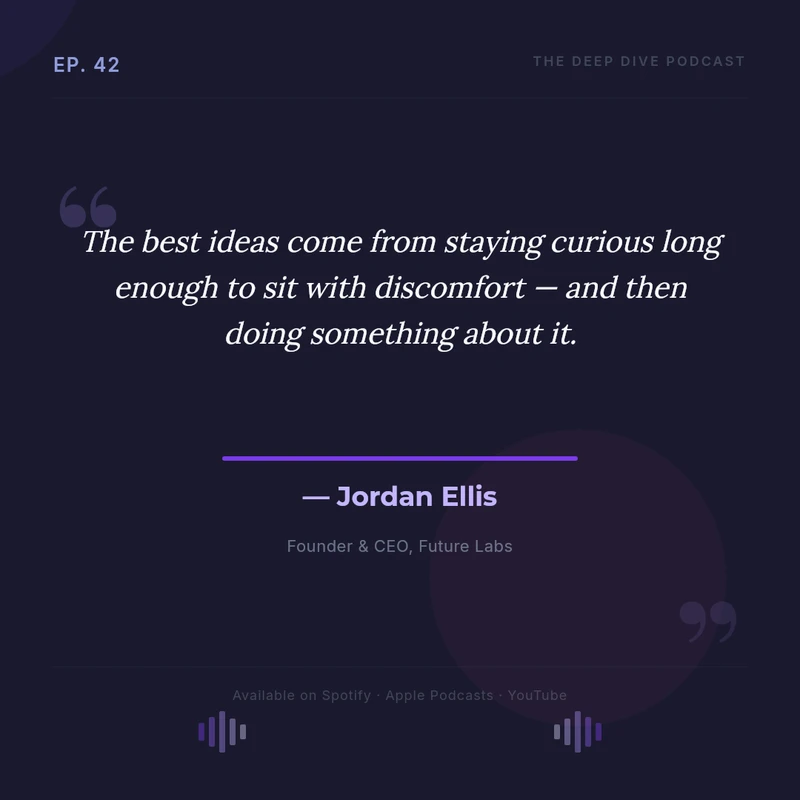
  • Dark podcast quote card for episode 42 with the guest’s name and title
    Episode quote
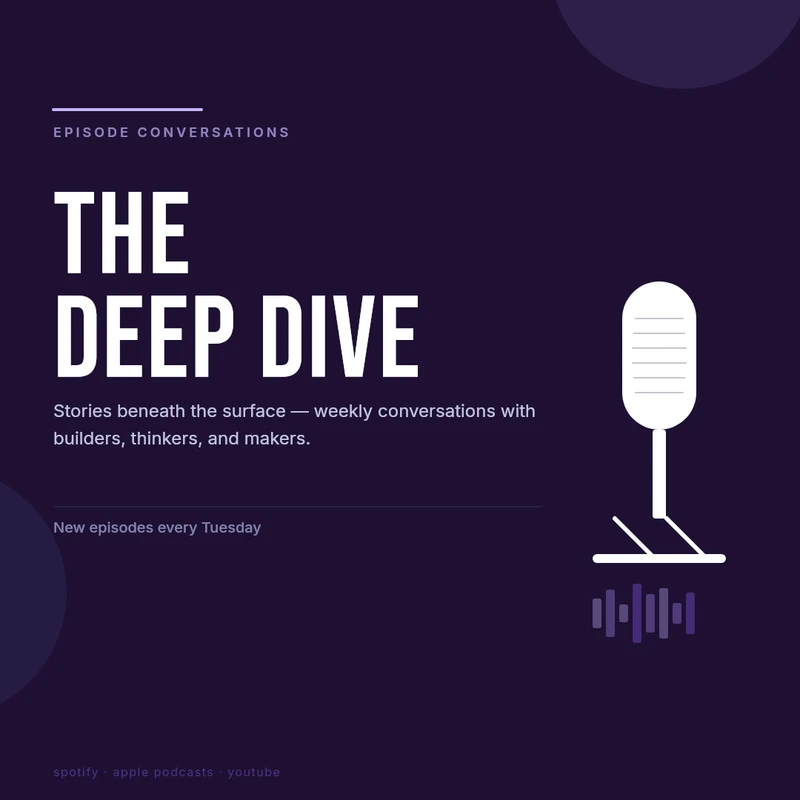
  • Podcast episode cover with the show name and the episode title
    Episode cover
  • Wide thumbnail for a podcast video clip
    Clip thumbnail

Each outlined field is a variable in the template, filled from your data.

The job today

Recording is the fun part. The graphics are not.

Launch day, five more files

Every episode needs a cover, a quote, a thumbnail and a story before anyone hears it.

Guest names that must be right

A misspelled guest on the announcement is the one thing they will notice.

A look that wanders

When each episode is made from scratch, the feed stops looking like one show.

What you get

One episode, every graphic that announces it

These are ready templates from the Zandovi library. Open one, add your show’s colours and reuse it for every episode.
  • Dark podcast quote card for episode 42 with the guest’s name and title
    Episode quote 1080 × 1080 px
  • Podcast episode cover with the show name and the episode title
    Episode cover 1080 × 1080 px
  • Wide thumbnail for a podcast video clip
    Clip thumbnail 1280 × 720 px
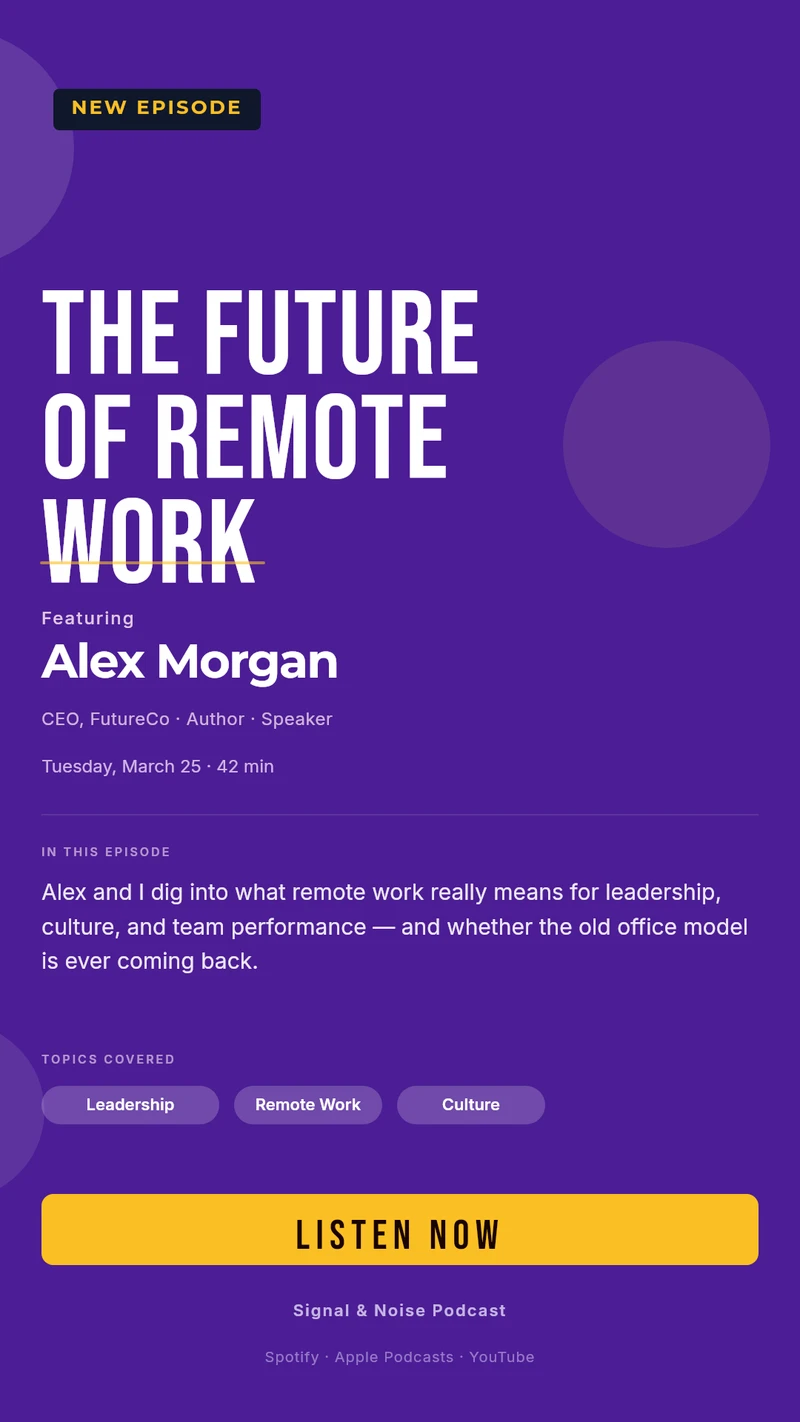
  • Vertical story announcing a new podcast episode
    New episode story 1080 × 1920 px
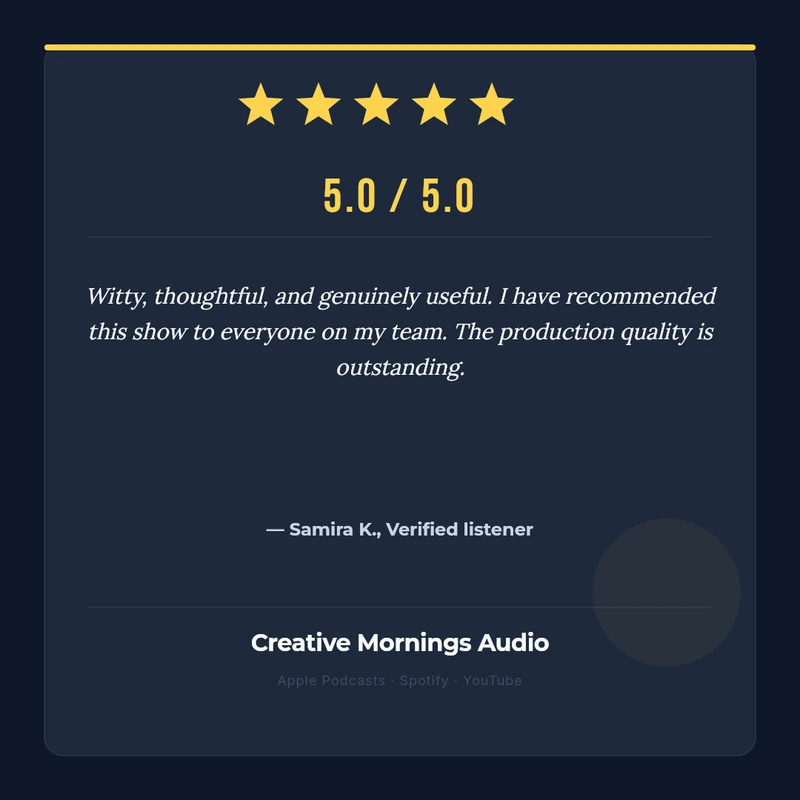
  • Card showing a listener review with a star rating
    Listener review 1080 × 1080 px

Three ways to make it

Ask your AI assistant

Connect Zandovi to Claude or ChatGPT once, then describe what you need. This brief is a good start:

Make a set of graphics for my podcast in one style: an episode cover, a guest quote card, a clip thumbnail and a story. Variables: episode number, title, guest name, guest role and quote.

Or fill in the details yourself

Open a template in the editor and type the details for one episode. For many at once, upload a spreadsheet with one episode per row and download a ZIP with every image.

Or let it run by itself

When a new episode appears in your feed, n8n sends it to Zandovi and saves the cover, the quote card and the thumbnail to your Drive. Nobody opens the editor.

RSS feed Zandovi Google Drive

What changes per episode

These are the fields you fill in. Everything else stays on brand.

Episode number and title
Ep. 42
Guest name and role
Jordan Ellis, Founder
Guest photo
one image
Quote
one or two sentences
Show name
The Deep Dive Podcast
Where to listen
Spotify · Apple · YouTube

More that shows make with Zandovi

Season announcements

Dates and guests for the weeks ahead.

Listener reviews

Turn a good review into a post.

Sponsor slides

One layout, a new sponsor each time.

The back catalogue

A matching cover for every past episode in one batch.

Questions

Podcasts, asked and answered.

Do I need to know how to design?
No. Start from a ready template, or connect Claude or ChatGPT and describe what you need. After that you only fill in the details that change.
Can I use our own logo, fonts and colours?
Yes. Upload your logo, set the colours and fonts once in the template, and every image follows. Only the fields you marked as variables change.
Does Zandovi make audiograms or video clips?
No. Zandovi makes still images and print-ready PDFs. Use the thumbnail and cover it produces alongside your video tool.
Can I redo the covers for all my old episodes?
Yes. Put one episode per row in a spreadsheet, upload it and download a ZIP with a cover for each one.
What does it cost?
100 images a month are free. Paid plans start at $29 a month for 5,000 images.

Have next week’s episode graphics ready today

Free for your first 100 images a month. No credit card.