One export per attendee
Type the name, adjust the company line so it fits, export, repeat for four hundred people. It is an all-hands afternoon before the event, and there are always a few typos at the registration desk.
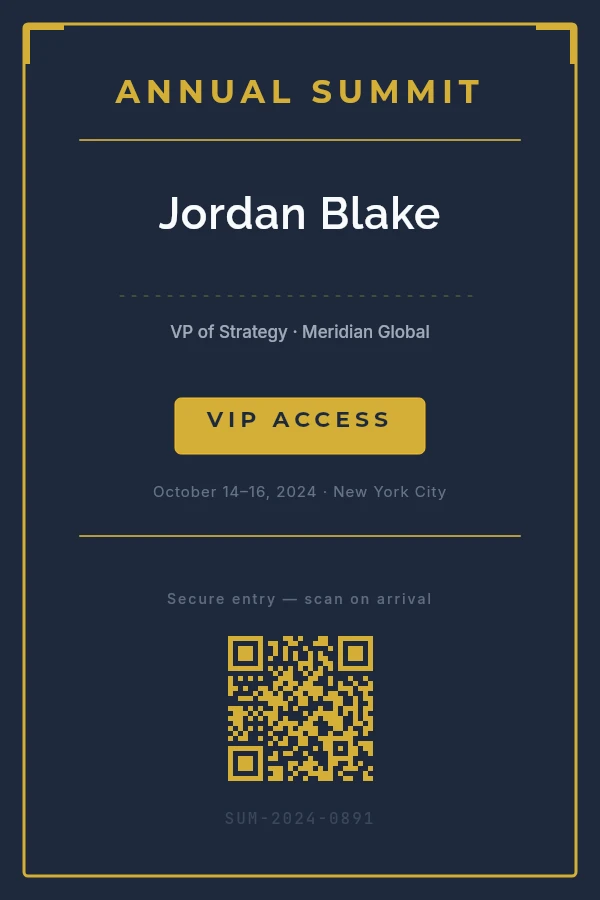
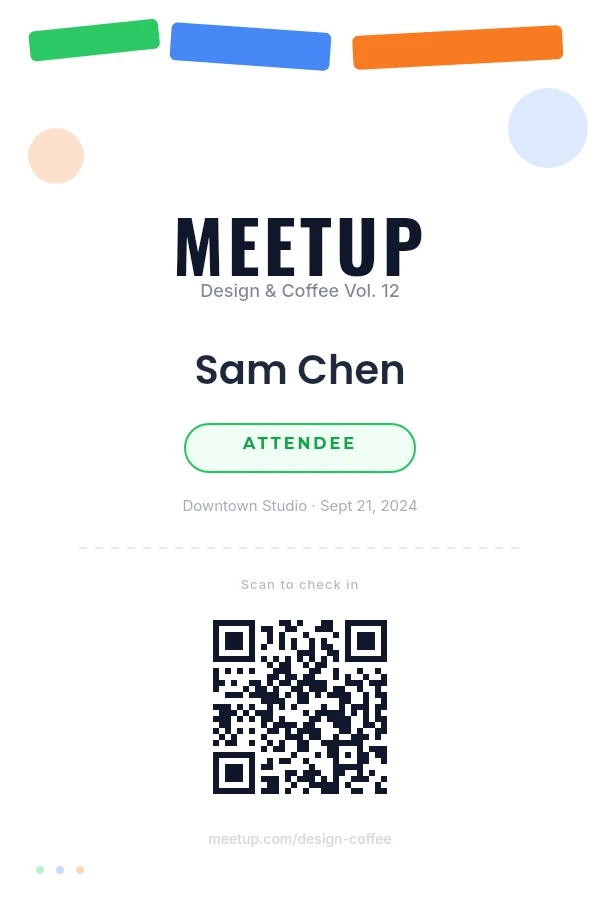
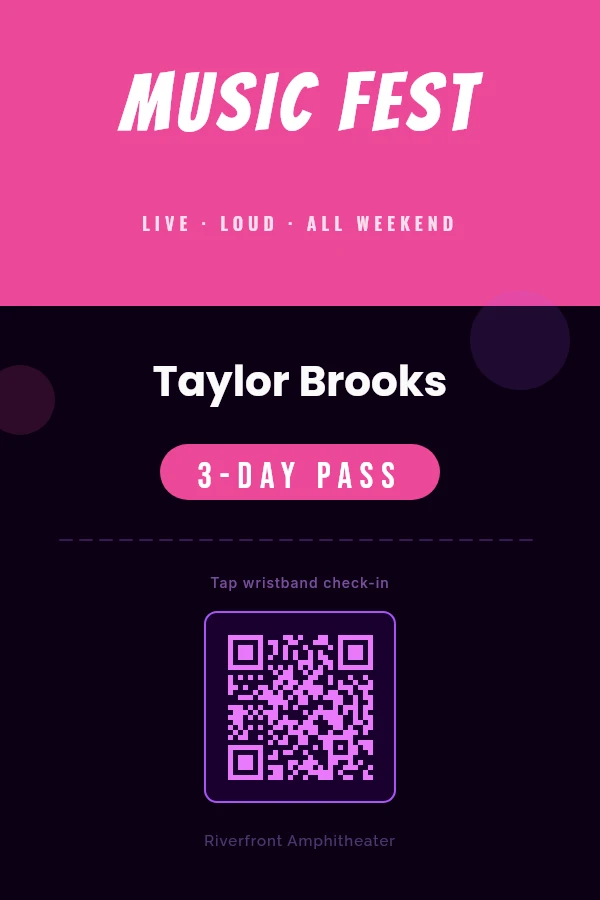
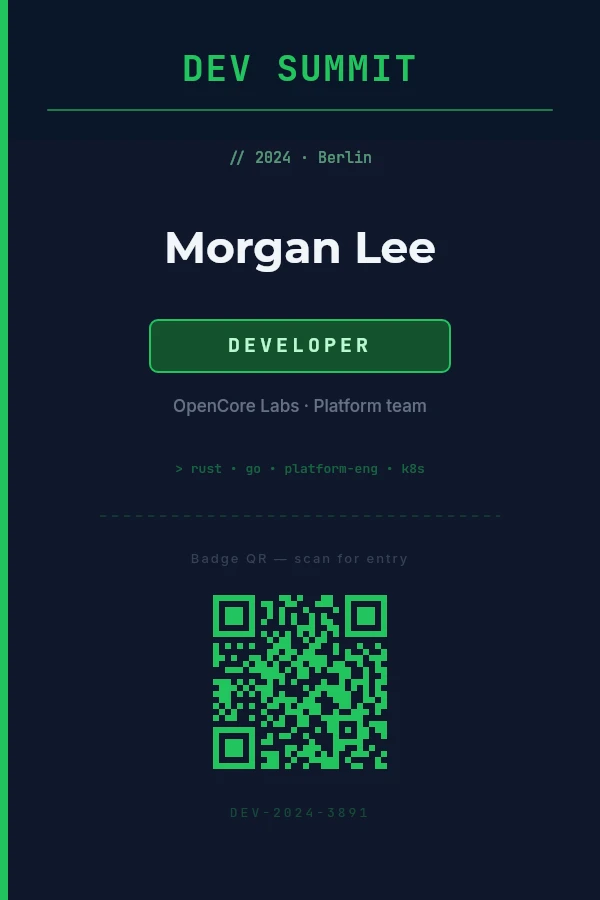
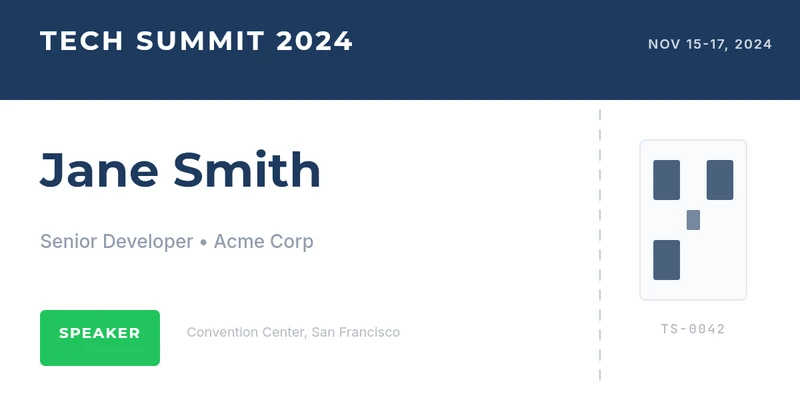
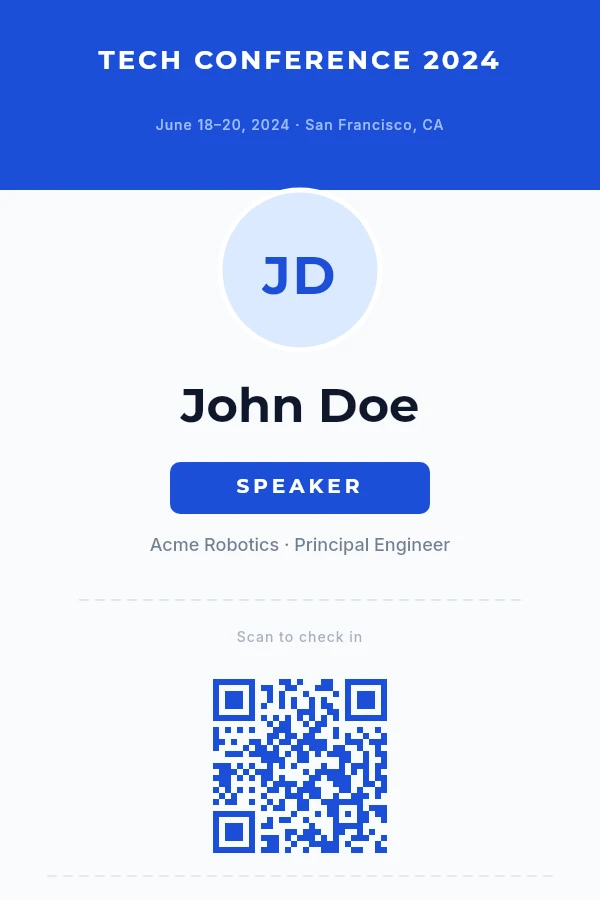
Name, company, tier and a check-in code on every badge, rendered from the CSV your ticketing platform already gives you. Send the ZIP to the printer, or have your booking system call the API per purchase.
100 free renders a month · Print-ready PDF and the API on every plan · No credit card
Type the name, adjust the company line so it fits, export, repeat for four hundred people. It is an all-hands afternoon before the event, and there are always a few typos at the registration desk.
Fine for a meetup. For a conference, rows are capped per batch, every attendee is a page of one long document, and a different check-in code per row is a requirement worth testing before you trust it.
Merging onto badge-insert sheets fills the names, but alignment drifts across the sheet, long names wrap or get cut, and a per-attendee QR code needs field codes most people have never used.
Already on Canva? Where Bulk Create stops, and when it is still the better answer →
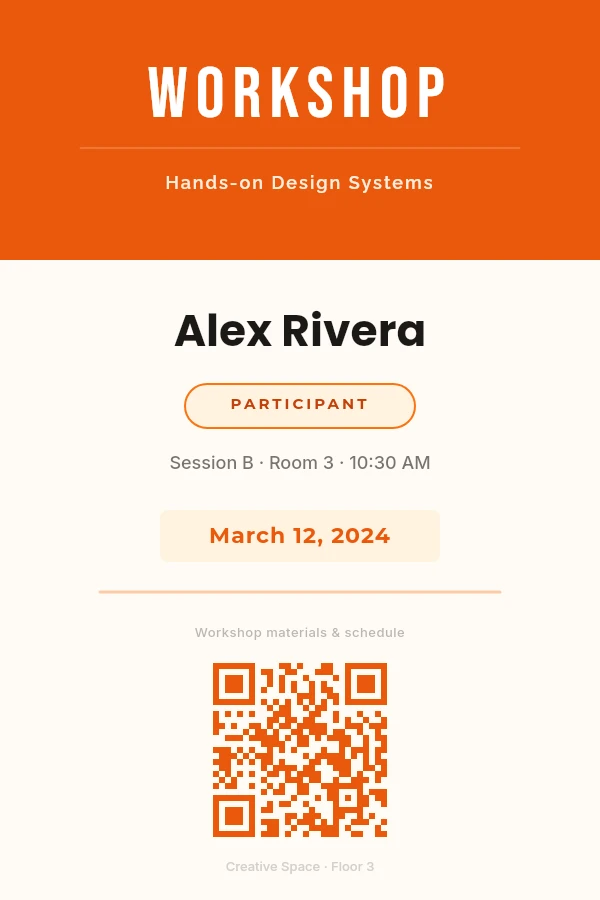
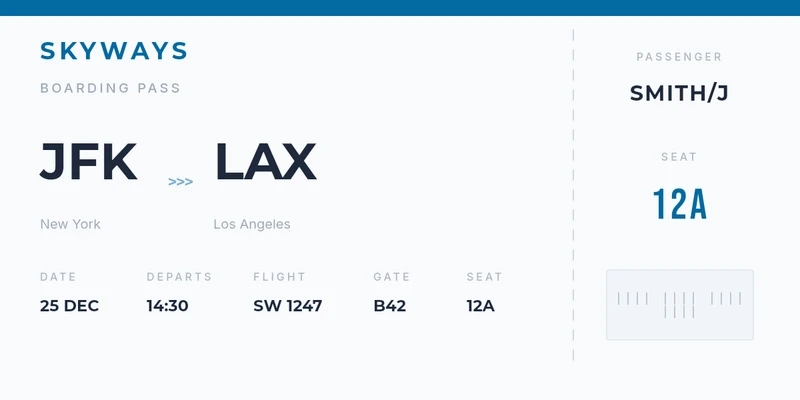
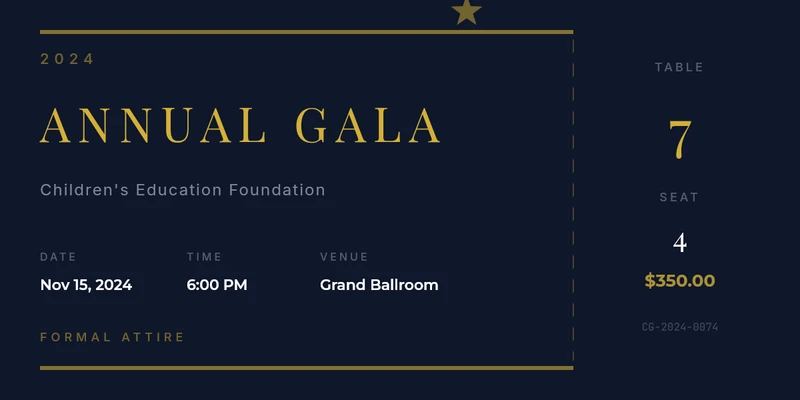
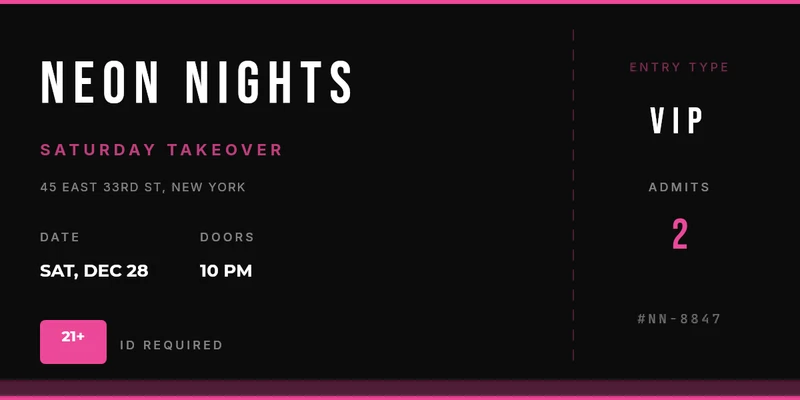
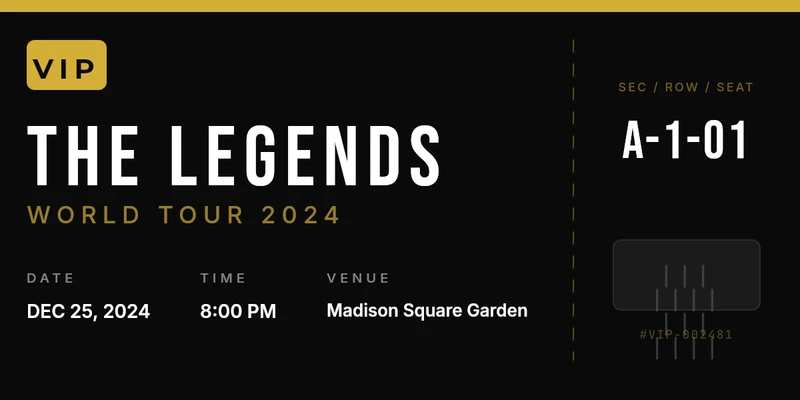
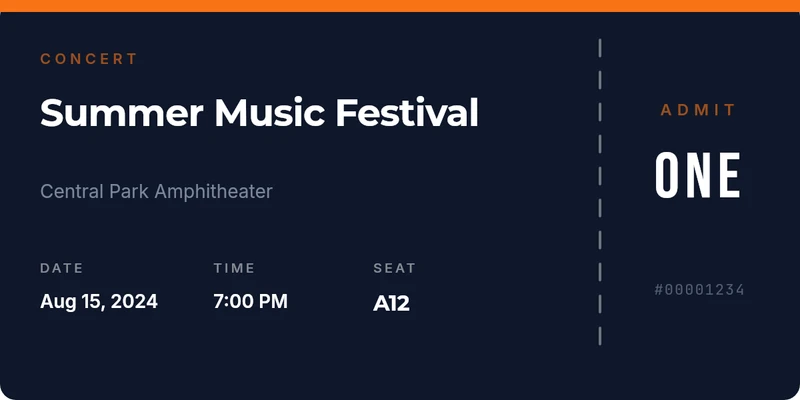
Start from a badge or ticket template. Bind the big line to {{attendee_name}}, the smaller one to {{company}}, and the QR code to {{attendee_id}}. Tickets work the same way, with the code bound to a QR or a barcode.
One row per attendee. Rows are checked before anything renders, so a missing name or a code the QR cannot hold is flagged before the print run, not at the door.
A ZIP with one print-ready PDF per attendee, at the physical size of your badge holder. Reprint a single badge on the day from the editor.
{{attendee_name}}{{company}}{{ticket_tier}}{{attendee_id}}In practice: One CSV export from the ticketing platform, one batch, print-ready PDF to the printer. Booking systems generally call the API per purchase and attach the render to the confirmation email. Fixed-capacity events batch the whole allocation from a CSV up front.
Read the walkthrough: How to Number Event Tickets (And Why the Number Isn't Enough) →The column headers are the variable names above. Paste your own attendees under them, or use the sample rows to try a template first.
| attendee_name | company | ticket_tier | attendee_id |
|---|---|---|---|
| Alexandra Whitfield-Montgomery | Northwind Labs | Speaker | ATT-000101 |
| Tomás Herrera | Brightline Studio | General | ATT-000102 |
| Yuki Tanaka | Kestrel Systems | VIP | ATT-000103 |
| Ngozi Okafor | Harbour & Pine | General | ATT-000104 |
| Lars Johansson | Fjord Analytics | Staff | ATT-000105 |
Every template opens in the editor with its fields ready to bind. Change anything; the layout is yours.
Bind the QR code to {{attendee_id}} and every badge carries the ID your check-in app scans. Codes are drawn sharp at any size, so they read from a lanyard as well as from a phone screen.
Set the canvas in millimetres or inches to match the insert, for example 4 × 3 in or A6 (105 × 148 mm), and the 300 DPI PDF comes out at that physical size. Anything up to A5 prints on the Free plan.
Learn more Bind {{ticket_code}} to a QR code or to a Code 128, EAN-13, UPC, Code 39 or ITF-14 barcode. Decide the numbering scheme before the first batch; the walkthrough below covers how.
Drop the CSV in the app, match columns to fields, download a ZIP. No code.
Batch from CSVYour registration system, for the whole list.
POST /api/v1/batch-jobs
X-Api-Key: YOUR_API_KEY
Idempotency-Key: summit-2026-badges

{
  "template": { "templateId": "{template_id}", "format": "pdf" },
  "rows": [
    { "attendee_name": "Yuki Tanaka", "company": "Kestrel Systems",
      "ticket_tier": "VIP", "attendee_id": "ATT-000103" },
    { "attendee_name": "Lars Johansson", "company": "Fjord Analytics",
      "ticket_tier": "Staff", "attendee_id": "ATT-000105" }
  ],
  "callbackUrl": "https://example.com/hooks/zandovi"
}
# → 202 · jobId · a signed callback when the ZIP is readyConnect Claude or ChatGPT once. It designs, checks and renders real templates you can edit later.
Make a badge for everyone in attendees.csv. Put the attendee ID in a QR code and make the tier easy to spot.
Template checked and saved. Batch submitted, one badge per row. Here is the ZIP.
Every batch job has a row cap set by your plan, from the app and the API alike. A longer list runs as several jobs, two at a time, and every row is one render against your monthly quota. Failed rows are refunded.
| Plan | Price / mo | Rows per job | Renders / mo | 400 attendees |
|---|---|---|---|---|
| Free | $0 | 25 | 100 | More than a month’s renders |
| Personal | $29 | 100 | 5,000 | 4 jobs |
| Studio | $49 | 200 | 12,000 | 2 jobs |
| Team | $79 | 300 | 25,000 | 2 jobs |
| Business | $199 | 400 | 100,000 | 1 job |
400 attendees is an example, not a limit. Prices exclude VAT; annual billing is two months free. Full pricing and what counts as a render →
Open a badge template, bind the name, company, tier and QR code, and render the attendee list. Free forever, no credit card.