Bannerbear in 2026: The Honest Developer and Ops Guide
- 26 Aug, 2026
A product team can have a perfectly good template, a working API call, and a queue full of customer data, then discover that the problem is quota accounting. Image renders look inexpensive until PDFs consume multiple credits, batch volume spikes, or a monthly cap stops production without a small top-up option. That’s the operational reality behind a Bannerbear evaluation in 2026.
Bannerbear deserves a serious look because it’s an established template-rendering API with a visual editor, REST interface, and native automation connectors. It also deserves scrutiny because rendering cost, PDF metering, and quota behavior matter more than a feature checklist once a workflow reaches production.
Table of Contents
- Choosing a Template Rendering API in 2026
- What Bannerbear Is and Who Built It
- Editor, API, and Rendering Under the Hood
- Pricing, Quotas, and the PDF Multiplier
- Real-World Use Cases and Where Each Tool Fits
- Migration Checklist and Sample API Calls
- When Bannerbear Is Still the Better Choice
- Making the Final Call
Choosing a Template Rendering API in 2026
The first decision isn’t which vendor has the most attractive landing page. It’s whether the team understands the workload being purchased.
A rendering API sits between structured data and finished visual assets. A content system sends names, prices, dates, images, or URLs. The service applies those values to a template and returns an image or document. This is template-based image generation, not AI image generation. The output follows a design created by the team, so consistency matters more than prompts or creative variation.
A fair evaluation should use five operational lenses:
- Rendering model: Determine whether the service uses a browser, a graphics engine, or another server-side renderer. The choice affects font handling, HTML compatibility, determinism, and debugging.
- Quota math: Count what consumes a unit. An image, PDF page, animation, and multi-output request may not have the same cost.
- Format coverage: Confirm whether the workflow needs PNG, JPEG, WebP, PDF, GIF, or video. A format listed on a marketing page isn’t enough. The team needs the billing rule and production constraints.
- Integration surface: Separate native Zapier or Make apps from a generic HTTP request. Both can work, but they impose different setup and maintenance demands.
- Day-two operations: Check how failed jobs, retries, callbacks, hard limits, hosted files, and bursts behave after launch.
Practical rule: Model the busiest ordinary month and the largest predictable batch, not just the average daily request count.
Primary vendor documentation should carry the most weight. Pricing pages, API references, help articles, and changelogs are more useful than undated comparison lists. For teams also evaluating another image rendering API, the API template comparison provides a separate reference point, but the same verification standard applies.
The rest of the decision should distinguish verified product facts from editorial judgment. Where documentation doesn’t establish a capability, it shouldn’t be treated as present. That discipline prevents a familiar brand from winning by assumption.
What Bannerbear Is and Who Built It
Bannerbear was launched by Jon Yongfook as a bootstrapped product that grew out of earlier experiments and became a dedicated REST API for generating images. One company account traces early product work to 2018–2019, a rebrand to Bannerbear in 2020, and the API launch in March–April 2020. The company has also been described as founded in 2020 and externally funded at $0, according to Bannerbear’s company profile and milestone record.
That origin explains the product’s shape. Bannerbear isn’t a general-purpose design application that later added automation. It was built around reusable templates, dynamic fields, and programmatic output. A designer establishes the composition, while an application supplies the changing values.
The growth path is notable because it reflects steady bootstrapped scaling rather than a single launch spike. Bannerbear crossed $1,000 ARR, reached about $10,455 MRR in late 2020 to early 2021, passed $40,000 MRR by June 2022, moved above $45,000 MRR by August 2022, and exceeded $50,000 MRR by July 2023. It was reported around $630,000 ARR in 2025, while later third-party estimates placed it near $991,400 ARR and 596 customers in 2024, as recorded in Bannerbear’s published milestone article.
The product audience
Bannerbear suits teams that already think in templates and data mappings. Typical users include developers building dynamic social graphics, operations teams automating documents, and marketing teams connecting databases to visual assets.
Its strongest audience usually has at least one of these characteristics:
- An existing automation stack: Native Zapier and Make connectors reduce the need to construct every workflow around raw HTTP calls.
- A recurring template workflow: The same visual structure is reused with changing text, images, or metadata.
- A need for an established platform: Mature documentation and a longer production history can matter more than the lowest unit cost.
Bannerbear is therefore best understood as an incumbent template-rendering service. It’s not primarily a manual design canvas, and it shouldn’t be selected only because a template editor looks familiar. The key question is whether its API and quota model match the assets being produced.
Editor, API, and Rendering Under the Hood
Bannerbear’s operating model starts with a visual, layered template. Static design elements remain fixed, while dynamic layers receive values through an API request. That approach is useful for social cards, campaign graphics, and other assets where a stable composition needs fresh data.
The API documentation confirms a REST workflow built around image requests and template modifications. Teams can send structured changes to a template and retrieve a generated result. Bannerbear also supports automation through its Zapier integration, while its broader integration positioning includes Make.
That surface is valuable, but it’s important to separate documented facts from assumptions. The available verified documentation establishes Bannerbear as a template-based image and video automation product with API and no-code automation positioning. It doesn’t establish every implementation detail in the requested editor, SDK, renderer, or callback comparison, so those details shouldn’t be presented as confirmed facts without a directly supporting primary source.
PDF behavior is a production constraint
Bannerbear’s PDF pipeline isn’t a separate press-production renderer. An API
request enables PDF output with the render_pdf: true flag. The documentation
states that PDFs are generated at 96 dpi, and exposes two outputs:
pdf_url, for a higher-quality and larger file.pdf_url_compressed, for a smaller file with minimal visual loss.
The PDF rendering documentation makes the tradeoff clear. A team can reduce file size, but the 96 dpi ceiling remains relevant for certificates, invoices, badges, and other files that may be printed.
| Capability | Bannerbear | Zandovi |
|---|---|---|
| Template workflow | Visual template-based automation | Visual template editor with API rendering |
| API role | Sends template data and render options | Reads templates and renders them |
| PDF output | render_pdf: true, with documented PDF URLs | Print-ready PDF on every plan |
| PDF metering | PDF rendering uses a credit multiplier | One render counts as one image or PDF |
| Native automation | Native Zapier and Make integrations | HTTP request node integration |
| Rendering detail | PDF documentation specifies 96 dpi | Server-side Skia renderer |
| Template management through public API | Not established here beyond rendering behavior | Public API reads templates and renders them, it doesn’t create, update, or delete templates |
For teams choosing between platforms, the meaningful comparison is not “visual editor versus no visual editor.” It’s how much production logic the template can absorb, how the API represents dynamic fields, and how the renderer handles the final format. Bannerbear is a sensible fit where the template is stable and the surrounding workflow already matches its API model.
Pricing, Quotas, and the PDF Multiplier
Bannerbear’s pricing is usage-based, and the unit isn’t “one finished file.” As of June 2026, Bannerbear’s public pricing reference lists an entry plan at $49 per month for 1,000 credits, with no permanent free tier and a 30-image trial. Those figures should be checked against the Bannerbear pricing page before purchase because the commercial model is the part most likely to affect a production forecast.
The more important detail is PDF metering. Bannerbear’s API documentation states
that render_pdf costs 3x quota, and its credits documentation says PDFs
consume 3 API credits per rendered page. Standard image renders are cheaper.
That creates a material difference for certificates, invoices, and print
workflows, even when the template itself is uncomplicated. The Bannerbear API
documentation is the relevant technical
reference.
| Plan or rule | Bannerbear, as of June 2026 | Zandovi, as of June 2026 |
|---|---|---|
| Entry plan | $49 per month, 1,000 credits, vendor pricing | $29 per month, 5,000 renders, vendor comparison |
| Permanent free access | No permanent free tier, 30-image trial, vendor pricing | $0, 100 renders per month, full API access and print-ready PDF, vendor comparison |
| Image accounting | Standard image render uses the ordinary quota rule, API documentation | 1 render per image, vendor comparison |
| PDF accounting | 3 API credits per rendered page, credits documentation | 1 render per PDF, vendor comparison |
| Manual editor exports | Verify the current plan terms before budgeting | Unlimited on paid plans, vendor comparison |
| Cap behavior | Teams should verify current limit and overage terms on the pricing page | Hard stop at quota, no overage and no rollover, vendor comparison |
The operational question is what happens when the quota is exhausted. Independent 2026 reviews flag that credits can run out quickly on high-volume plans, that there’s no pay-as-you-go overage, and that reaching the cap forces an upgrade rather than a small top-up. The independent Bannerbear review is useful for identifying this budgeting concern, though teams should confirm commercial terms directly with Bannerbear.
A practical forecast starts with output types. A workflow generating images, PDFs, and other formats shouldn’t multiply the monthly file count by a single average without checking each format’s credit rule. For certificates, a run that appears modest in file count can consume quota faster than an equivalent image-only workflow.
Real-World Use Cases and Where Each Tool Fits
Bannerbear makes the strongest case when a marketing or content workflow needs repeatable graphics and low-friction triggers. Open Graph images, social cards, thumbnails, and campaign variants all benefit from a template that exposes controlled text and image fields. A marketing operator can update source data in a connected system and trigger a render without asking engineering to build a new design pipeline.
Native connectors matter in that context. Bannerbear has public Zapier and Make integration pages, and its integration listing positions those tools as supported connections. That makes it a better operational fit than a service that requires every non-code workflow to be built around an HTTP module.
Certificates and badges create a different pressure. If the design is mostly fixed and the workload is document-heavy, PDF credit accounting becomes central. Bannerbear remains capable of the job, but teams need to forecast page-level consumption rather than treating each certificate as equivalent to one image.
Four workflow decisions
- Open Graph and social images: Bannerbear is a strong candidate when marketing teams need reusable templates and native automation connectors. Developers should still validate URL delivery, retries, and quota usage before putting launches on autopilot.
- Certificates and event badges: Compare PDF accounting, print requirements, batch limits, and failure handling. A lower file count doesn’t necessarily mean a lower rendering bill.
- Localized ad creatives: Bannerbear suits campaigns with repeated layouts and many changing fields. The team should keep conditional business logic in the application when the template itself can’t express the full rule set cleanly.
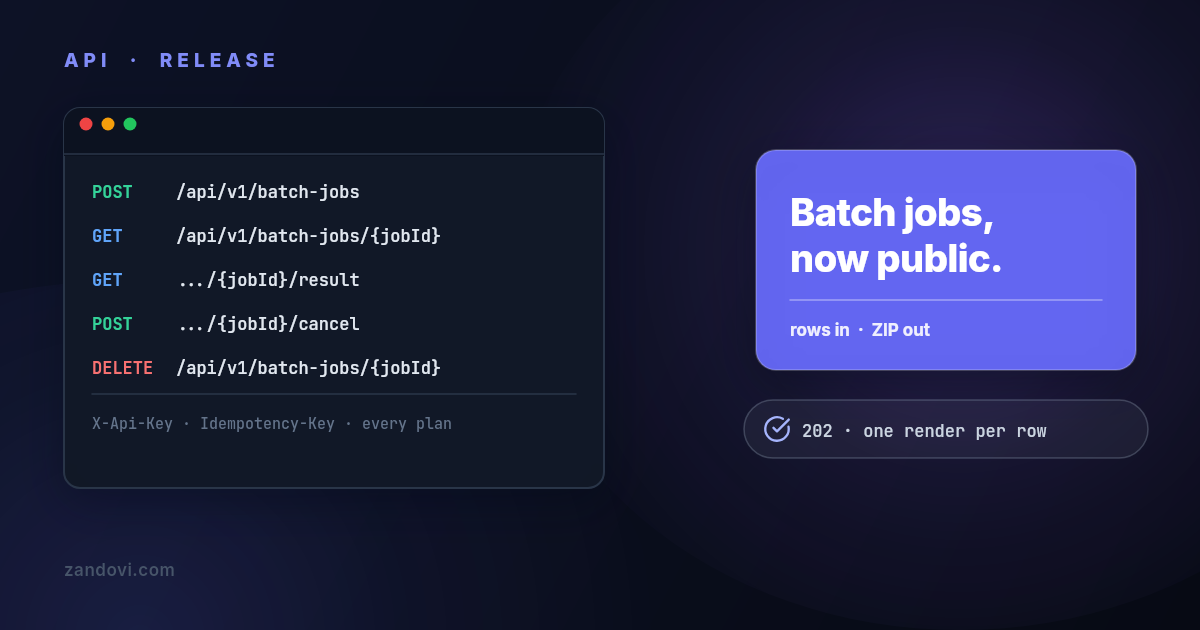
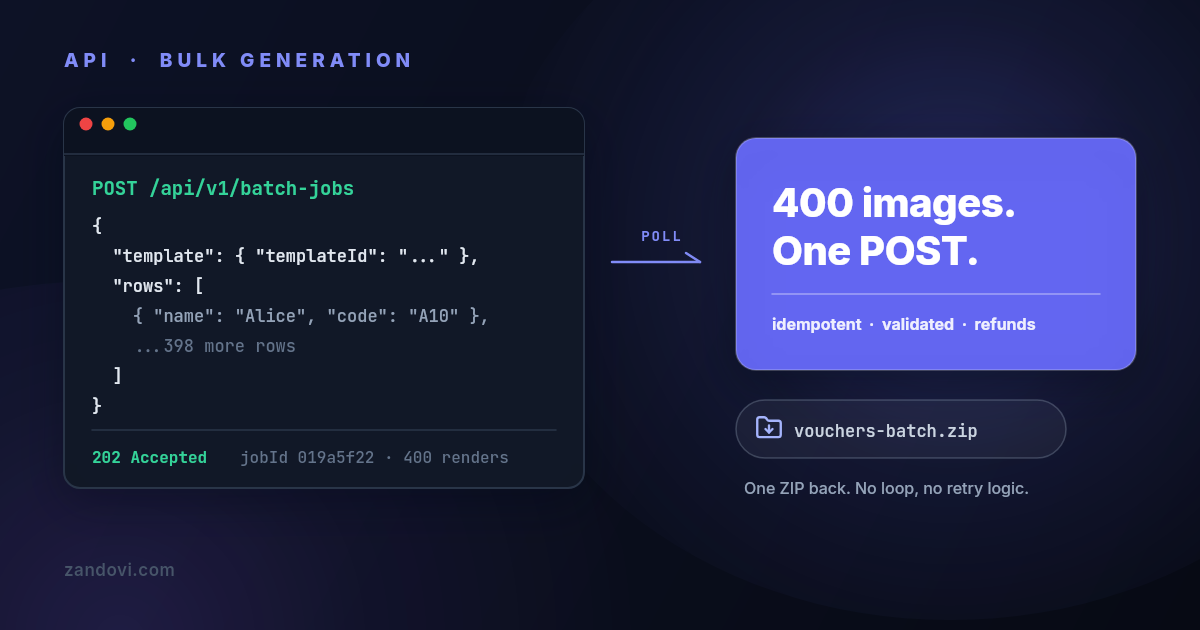
- Spreadsheet-driven production: A CSV or batch workflow needs row validation, predictable accounting, and a clear response for failed records. The right choice depends less on the editor and more on how the service handles the batch boundary.
A hybrid architecture can be rational when two product lines have different needs. One queue can route marketing graphics to Bannerbear while a separate document worker handles bulk PDFs elsewhere. The comparison with Placid’s template automation approach can help teams test that decision against another category option.
Migration Checklist and Sample API Calls
A Bannerbear migration should begin with the template contract, not the HTTP client. Inventory every template’s dynamic fields, image inputs, QR elements, fallback behavior, and conditional layout rules. Teams should also record which templates are currently in production and which downstream systems consume the returned files.

A practical migration sequence
- Freeze the contract. Export the current template identifiers, input names, output formats, callback expectations, and retry rules. This prevents a visual redesign from being mistaken for an API migration.
- Map authentication separately. Bannerbear uses a project API key with bearer authorization. Any replacement must be tested with its own authentication header and secret-handling path.
- Translate the payload. A Bannerbear request generally carries a template identifier and a modifications object. A different renderer may represent fields as a flatter data payload. The adapter should normalize application data before it reaches either vendor.
- Rebuild delivery handling. Preserve job IDs, status transitions, retry behavior, and idempotency at the queue layer. Don’t assume two callback systems have identical signing or retry semantics.
- Replay a controlled batch. Compare visual output, missing assets, font behavior, response latency, error classes, and quota consumption. The test should include long text, absent images, special characters, and the largest expected canvas.
Keep rollback boring
The safest cutover routes a small share of traffic to the new renderer while the existing Bannerbear path remains available. Store the selected renderer with the job record, keep template versions explicit, and prevent retries from switching vendors.
A rollback checklist should cover queued jobs, callback endpoints, stored output references, and any consumer that assumes a particular file format. The public API of an alternative renderer should be treated as a read-and-render interface unless its documentation explicitly supports template management. That distinction avoids an especially costly mistake, trying to create, update, or delete templates through an API that only reads templates and renders them.
When Bannerbear Is Still the Better Choice
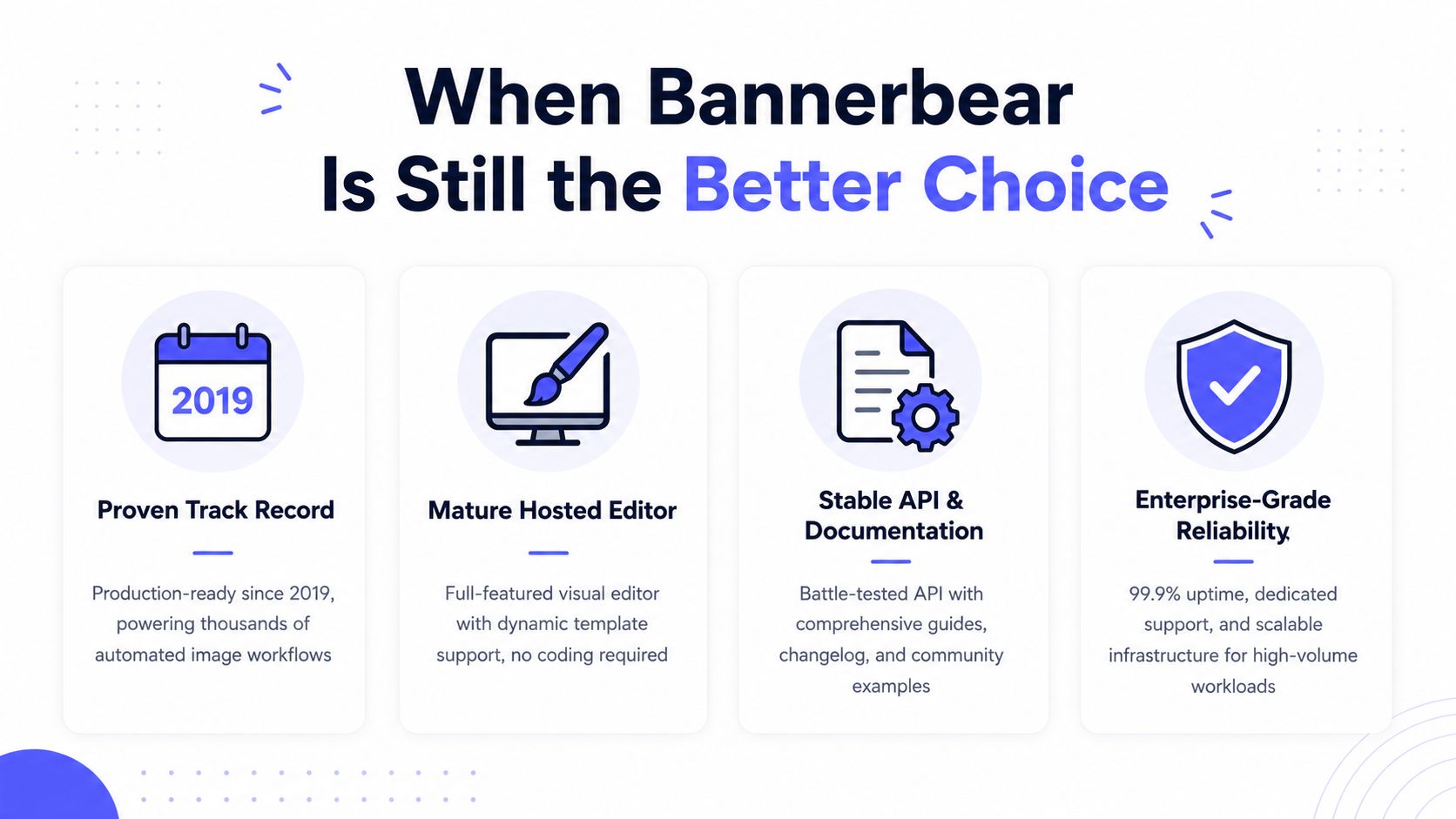
Bannerbear is still the right call for teams that value incumbency over aggressive unit economics. Its product history reaches back to the earlier experiments that preceded the 2020 launch, and its current shape reflects years of use as a dedicated template automation service. That production track record can outweigh a lower price when an existing workflow already works.
The strongest case is operational familiarity. A team with established Bannerbear templates, working callbacks, and native Zapier and Make automations doesn’t need to re-architect because another service has a different quota model. Bannerbear is older, has a longer production track record, and offers native Zapier and Make integrations that Zandovi doesn’t have as of June 2026. Those are practical advantages, not minor checklist items.
Bannerbear fits particularly well when:
- The automation already runs through Zapier or Make: Native connectors reduce custom HTTP plumbing and make ownership easier for operations teams.
- Templates have been stable in production: A mature template library and established request shape reduce migration risk.
- Image output dominates: PDF multipliers matter less when the workload primarily produces ordinary raster images.
- The team values continuity: Existing monitoring, credentials, runbooks, and operator knowledge have real replacement costs.
Bannerbear loses ground when PDF volume is central, when the team needs a permanent free tier, or when predictable render-per-dollar accounting matters more than connector convenience. The full Bannerbear comparison table is the right place to verify the dated commercial differences before switching.
Making the Final Call
The decision should follow workload signals, not brand familiarity.
Stay on Bannerbear when the workflow is already stable, image output dominates, and Zapier or Make handles most triggers. The incumbent’s longer production history and native connectors justify staying put when migration would introduce more operational risk than financial benefit. Teams should still monitor credit consumption, especially when PDFs enter the pipeline.
Switch when the workload is document-heavy, a permanent free tier matters, or the team wants one render to represent one image or PDF rather than applying format multipliers. As of June 2026, Zandovi lists $29 for 5,000 renders, a permanent 100-render free tier, and print-ready PDF access across plans in its dated comparison with Bannerbear. Those facts make it worth evaluating for cost-sensitive batch workflows, but the API and integration model must fit the team.
Run both when the organization has different workloads. Bannerbear can remain the marketing automation path, while another renderer handles bulk documents behind a queue with explicit routing and independent budget alerts.
| Signal | Stay on Bannerbear | Switch to Zandovi | Run Both |
|---|---|---|---|
| Existing production templates | Stable and already monitored | Migration cost is acceptable | Keep critical templates on the incumbent |
| Automation surface | Zapier or Make is central | HTTP request integration is acceptable | Route by workflow owner |
| Output mix | Mostly images | PDFs are a major workload | Separate marketing and document queues |
| Cost model | Existing credit budget is predictable | One render per image or PDF is preferred | Compare real consumption in parallel |
| Operational priority | Continuity and track record | Lower entry cost and permanent free access | Reduce cutover risk |
Senior engineer’s decision: stay with Bannerbear when integration maturity and continuity win, switch when PDF-heavy quota math wins, and run both when the workloads are different enough to justify separate rendering paths.
Teams evaluating a template rendering API should test one real template, one difficult data row, and one representative batch before committing budget. For a direct alternative review, compare the live plans and API constraints at Zandovi’s Bannerbear comparison, then run the same payloads through both systems and choose the path that produces predictable output without surprising the operations team.