Canva Bulk Create: The Limits, and What to Do When You Hit Them
- 20 Aug, 2026
We make a tool that competes with part of what Canva does, so weigh this accordingly. It’s also true that most people reading this should probably stay where they are, and this post says where that line is.
Canva’s Bulk Create is a good feature. You build a design, connect a spreadsheet, map columns to text and image placeholders, and get a personalized copy per row. For name badges, social variants and simple certificates, it is often the fastest path from data to output, and if it’s working for you there’s no reason to change anything.
But there’s a specific set of walls people hit, and hitting one tends to send you searching. Here’s what they are.
Wall 1: rows per batch
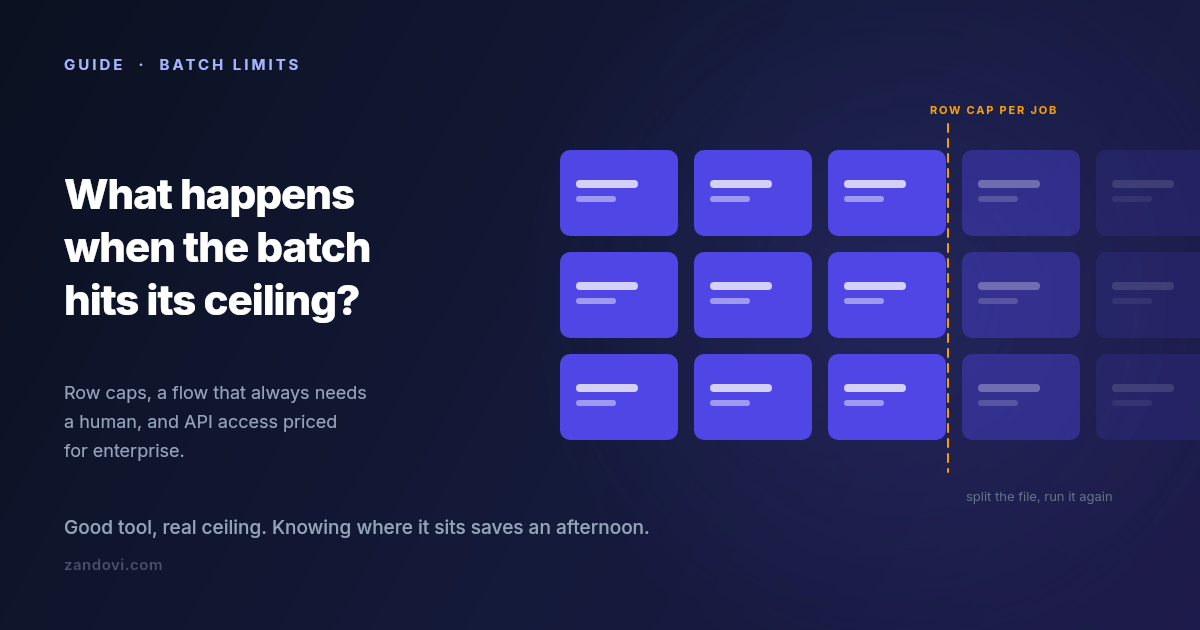
Bulk Create caps how many rows you can process in one go. Canva’s help center documents the current figure, which has been in the low hundreds, and the cap applies per batch, so a larger dataset means splitting the file and repeating the process.
The documented cap is usually not the real limit anyway. Each row becomes a page in a single Canva document, so a few hundred rows produces a few hundred pages in one file, and the editor gets progressively heavier to work with. In practice most people find their comfortable batch size well below the technical maximum. Not because it stops working, but because reviewing and exporting a 300-page document is its own chore.
If you’re generating a few hundred items a few times a year, splitting the file is genuinely fine. If it’s a recurring weekly job, the splitting is the problem.
Wall 2: it’s a human-in-the-editor flow
This is the bigger one, and it’s structural rather than a number you can raise.
Bulk Create is something a person does: open the design, connect the data, map the fields, generate, review, export. There is no version of it that fires when a form is submitted, when an order completes, or when a row lands in a database. Someone has to be at the keyboard.
That’s fine for campaign work. You sit down, you make the batch, you’re done. It doesn’t work at all for anything continuous. If your certificates should be issued the moment a learner finishes a course, or the voucher should be in the welcome email that goes out ninety seconds after signup, no amount of batch processing gets you there. You need something a server can call.
Wall 3: programmatic access is gated high
Canva does have a developer platform. The Connect APIs include autofill endpoints that populate a brand template from data programmatically, which is exactly the capability the previous section is asking for.
The catch is the plan requirement. Per Canva’s own documentation, using the Autofill APIs in production requires the integration to act on behalf of a user in a Canva Enterprise organization; users on other paid plans get limited access while an integration is under development. If you’re a solo operator or a small team on Pro or Teams, that path isn’t open to you at the price you’re currently paying.
So the honest summary is that automated generation exists in the Canva ecosystem, and it’s priced for organizations rather than for the person with a spreadsheet and a deadline.
Wall 4: the details that surface at scale
Smaller than the first three, but they’re what people actually complain about once volume goes up.
No per-field validation before generating. Bulk Create maps whatever is in the cell. If row 88 has a malformed date or a code in the wrong format, you find out by looking at page 88. At twenty rows you’d notice. At three hundred you won’t, and the error reaches whoever receives it.
Unique codes per row need care. A single QR code on a design is easy. A different QR code per row, one encoding each recipient’s own redemption or verification URL, is a different requirement, and it’s worth testing on three rows before you commit a whole campaign to it.
Print output. Canva exports print-quality PDFs, but if your requirement is a specific DPI, exact physical dimensions, and predictable behaviour when a print shop opens the file, this is worth verifying carefully rather than assuming.
Long values break layouts. A name twice as long as your test data will overflow or wrap unless the text element is set up to handle it. This bites everyone, in every tool, and it’s the single most common cause of a batch that has to be regenerated.
Option A: stay, and split
Worth saying plainly: if you generate a few hundred items a handful of times a year, splitting the spreadsheet costs you fifteen minutes per campaign. That is cheaper than migrating, cheaper than learning a new tool, and cheaper than adding a subscription. Canva’s design capabilities and asset library are genuinely excellent, and none of the walls above are about design quality.
Split by something meaningful, like cohort or date or region, rather than by arbitrary row ranges, and the resulting files stay organized on their own.
Option B: write a script
If you’re comfortable with code, generating personalized images from a CSV is a solid afternoon of Python or Node. You get complete control and no subscription.
You also get to own it. Font rendering, the PDF library’s quirks, and the layout code all become yours to maintain, and the person who needs the design changed next quarter has to ask you rather than doing it themselves. That trade is worth it for some teams and clearly not for others.
Option C: a tool built for the batch case
The third option is a design editor whose batch and API paths aren’t an afterthought. This is what we built Zandovi to be, and here’s the concrete comparison rather than a pitch.
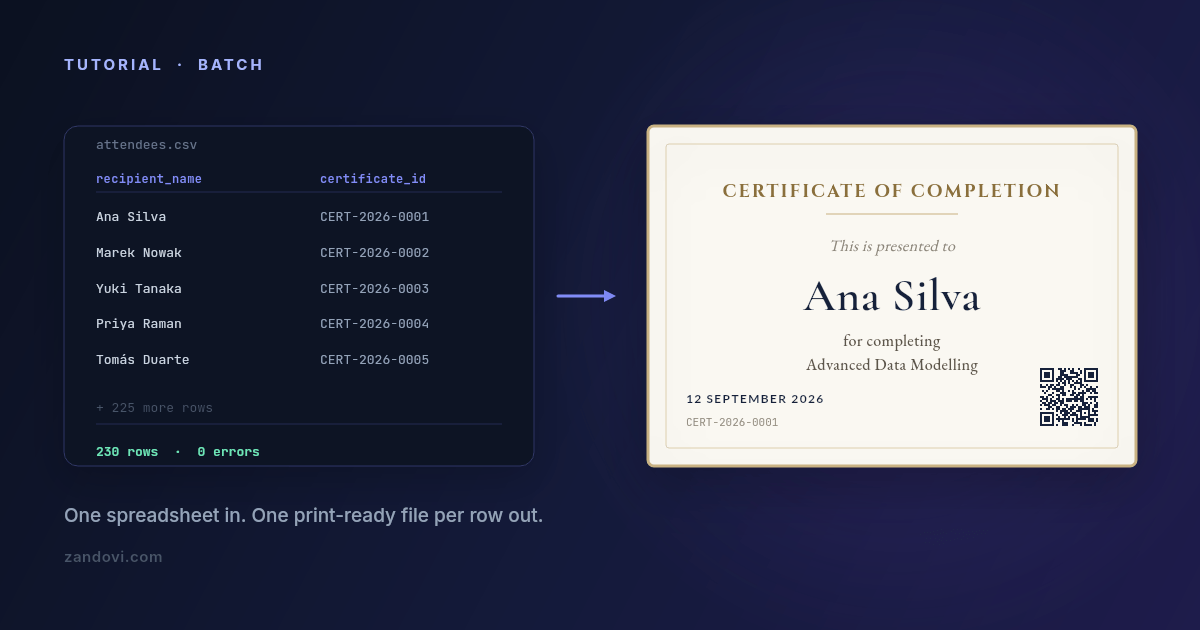
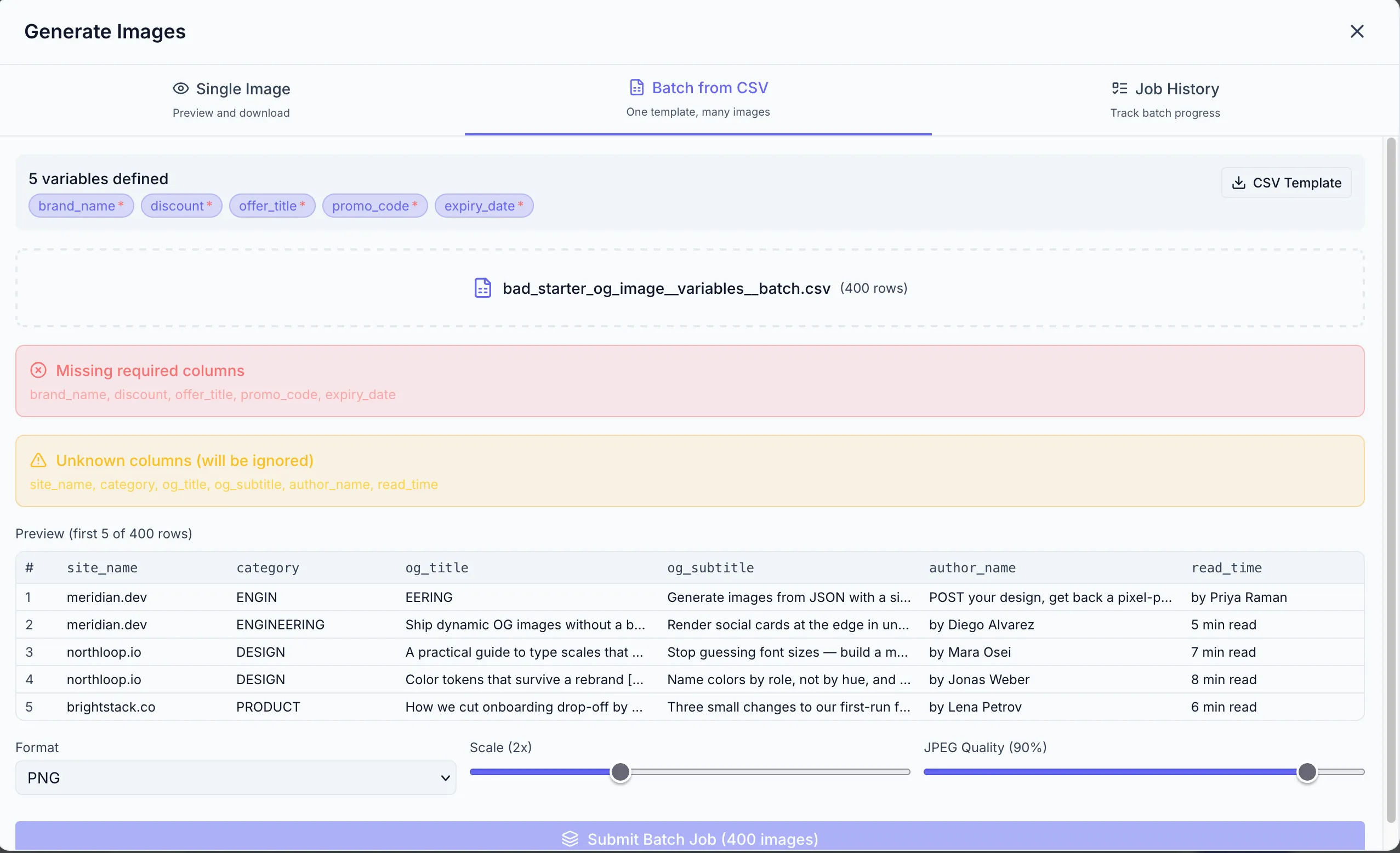
Batch from a spreadsheet. Design once, download a CSV whose headers already match your template’s variable names, fill it, upload it. Rows are validated against the template’s rules before anything renders, so mismatched columns, missing required values, values outside a variable’s allowed list and QR data that won’t encode all get caught up front — along with an advisory flag on any column whose values run far longer than the design allows for. You fix them in the sheet and re-upload. Then you get a ZIP with one file per row, rather than a many-page document to export.
Row caps per job are 25 on the free plan, 100 on Personal, 200 on Studio, 300 on Team and 400 on Business. So this is not an unlimited-rows story either, and large datasets still get split. What changes is the validation and the output shape.
The same design, callable. The template you built for the batch flow is also
an API endpoint: POST the variable values, get PNG, JPEG, WebP or PDF bytes
back. Every paid plan includes full API access, with no enterprise tier standing
between you and automating it. That’s the wall-2 and wall-3 answer in one.
Unique codes per row are the normal case. QR and barcode elements bind to variables like any text field, so each row can carry its own redemption link or verification URL without a workaround.
Print output is explicit. DPI is a setting (96, 150 or 300), PDF costs the same as a PNG with no format multiplier, and the canvas can be set up in millimetres or inches from the start.
Where Canva is still the better answer
Being fair about this matters more than winning the comparison.
Design breadth is the obvious one. The stock library, the font selection, the sheer number of starting points: that’s Canva’s moat, and it’s a real one. So is familiarity. If four people need to edit the design and all four already use Canva, that’s worth more than any feature comparison.
Occasional, low-volume batches don’t justify adding a tool either. A few hundred items twice a year is not a problem worth solving with a second subscription. And if you’re already on Teams or Enterprise, the API question is settled and brand controls come with it.
The case for moving is narrower than a vendor blog usually admits: you’re generating regularly, the volume makes the manual flow tedious, you need validation or unique codes per row, or you need a server to trigger it and don’t have Enterprise.
Moving one design, if you do
Don’t migrate everything. Pick the single design causing the most repetitive work and rebuild just that one:
- Rebuild the layout on a canvas of the same dimensions. An hour, usually less.
- Mark the changing elements as variables, setting which are required and which have a fixed list of allowed values. This is the step with no Canva equivalent, and it’s what stops bad rows from becoming bad output.
- Download the generated CSV template and paste your existing data under the headers.
- Run a batch of five rows first. Check the longest name, the shortest name, and anything with an accent or a non-Latin character.
- Then run the real batch.
The free plan includes 100 renders a month with no card, which is enough to rebuild one design and test it properly before deciding anything.
References: Canva Bulk Create help, Canva Connect Autofill API docs. Both were checked in July 2026. Canva’s limits and plan requirements change, so confirm the current figures on their pages before making a decision.